Safety Sign & Warehouse Projection Solutions
Project safety markings, hazard zones and warning lines — instantly, durably, anywhere
Painted floor lines fade. Printed signs peel, get dirty, and take days to replace. In a busy warehouse, factory or distribution center, that's a safety gap — and a recurring cost.
Projected safety signs solve it. A single overhead projector throws a bright, crisp safety marking — a walkway, a forklift zone, a "no entry," a stop line, a social-distancing circle — onto the floor or wall, 24/7. Change the message in seconds. No repainting, no downtime, no ladders.
Infinity builds gobo safety-sign projectors and laser line projectors used in warehouses, plants, loading docks and parking structures across the country — bright enough to read in daylight, rated for tough environments, and customizable to any sign or hazard your facility needs.
Outfit your facility — pick a category
From single-aisle markings to a whole distribution center, every Infinity safety system is built for real industrial conditions. Choose your tool — or talk to our team about a multi-site rollout.
 Gobo logo
Gobo Logo Safety Projectors
Project any custom safety sign, symbol, arrow or company logo — forklift zones, walkways, "no entry," PPE-required. Swap the design in seconds. One-color or full-color.
Browse gobo signs & projectors → Laser line
Laser-Line Projectors
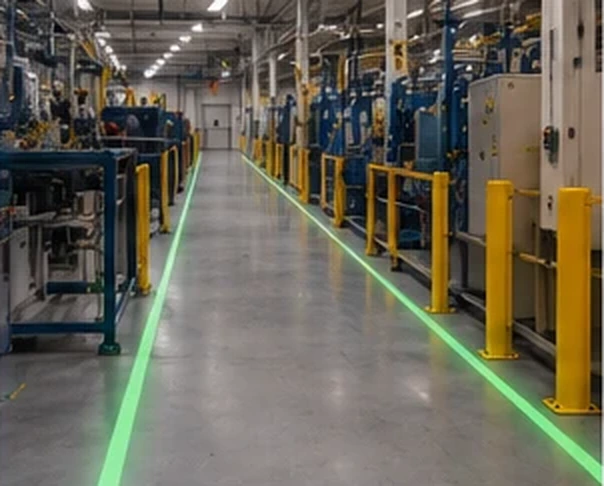
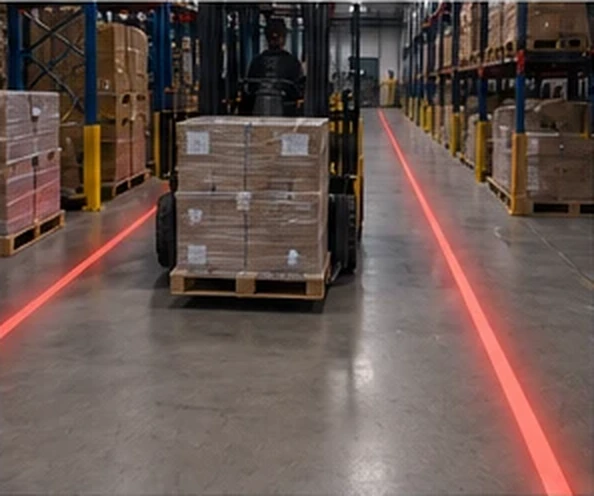
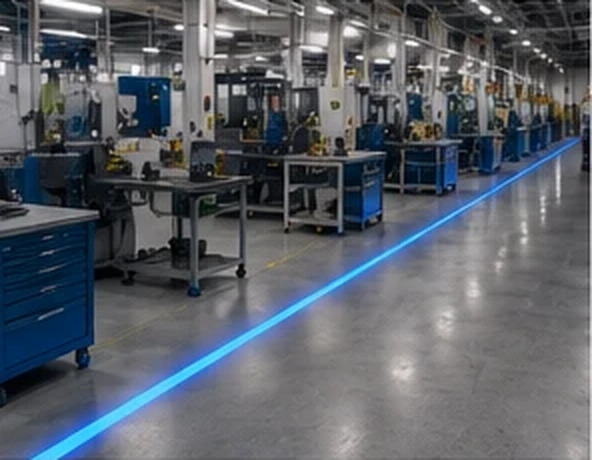
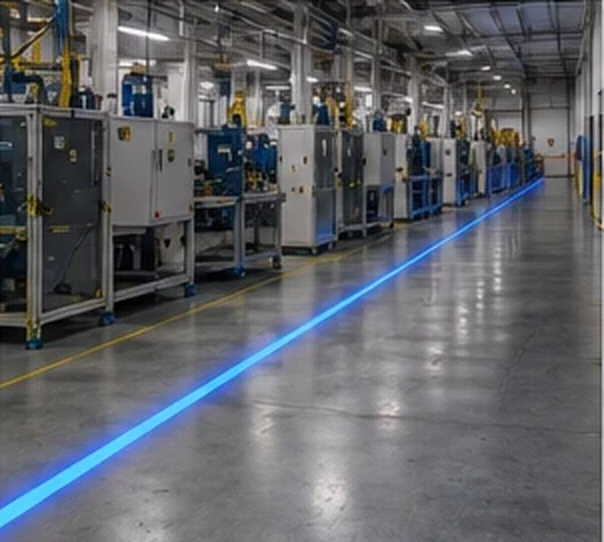
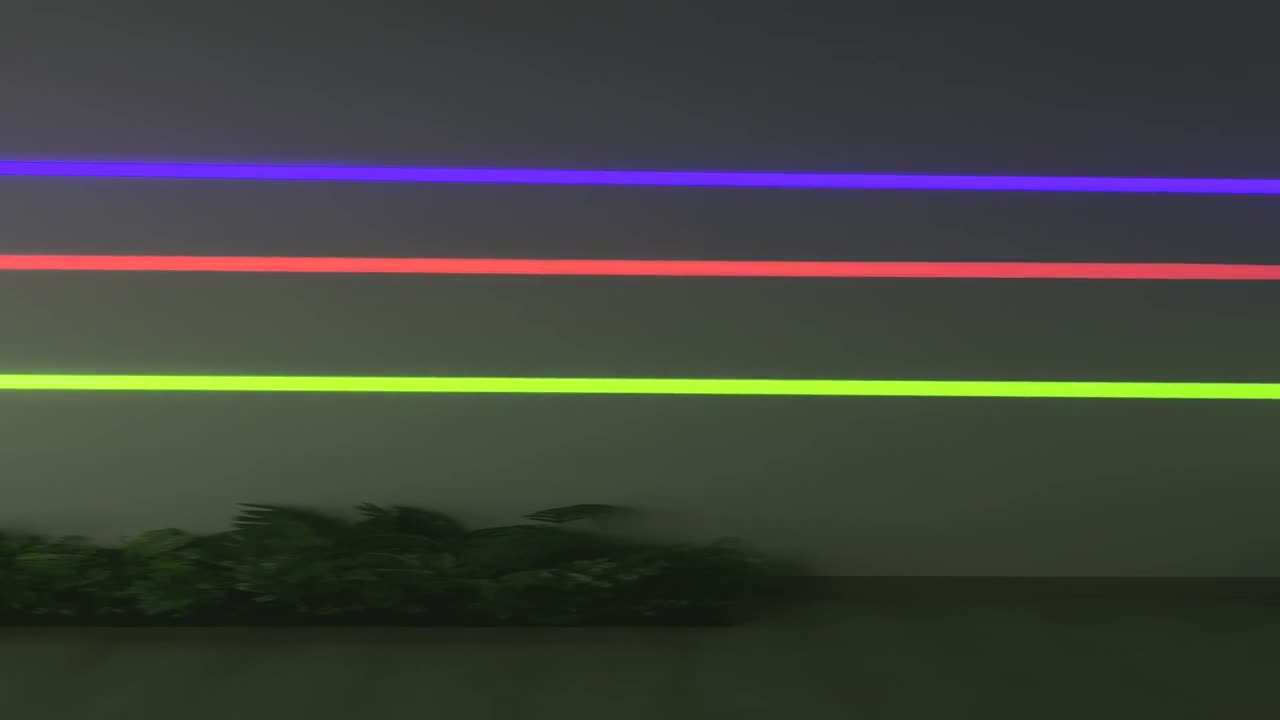
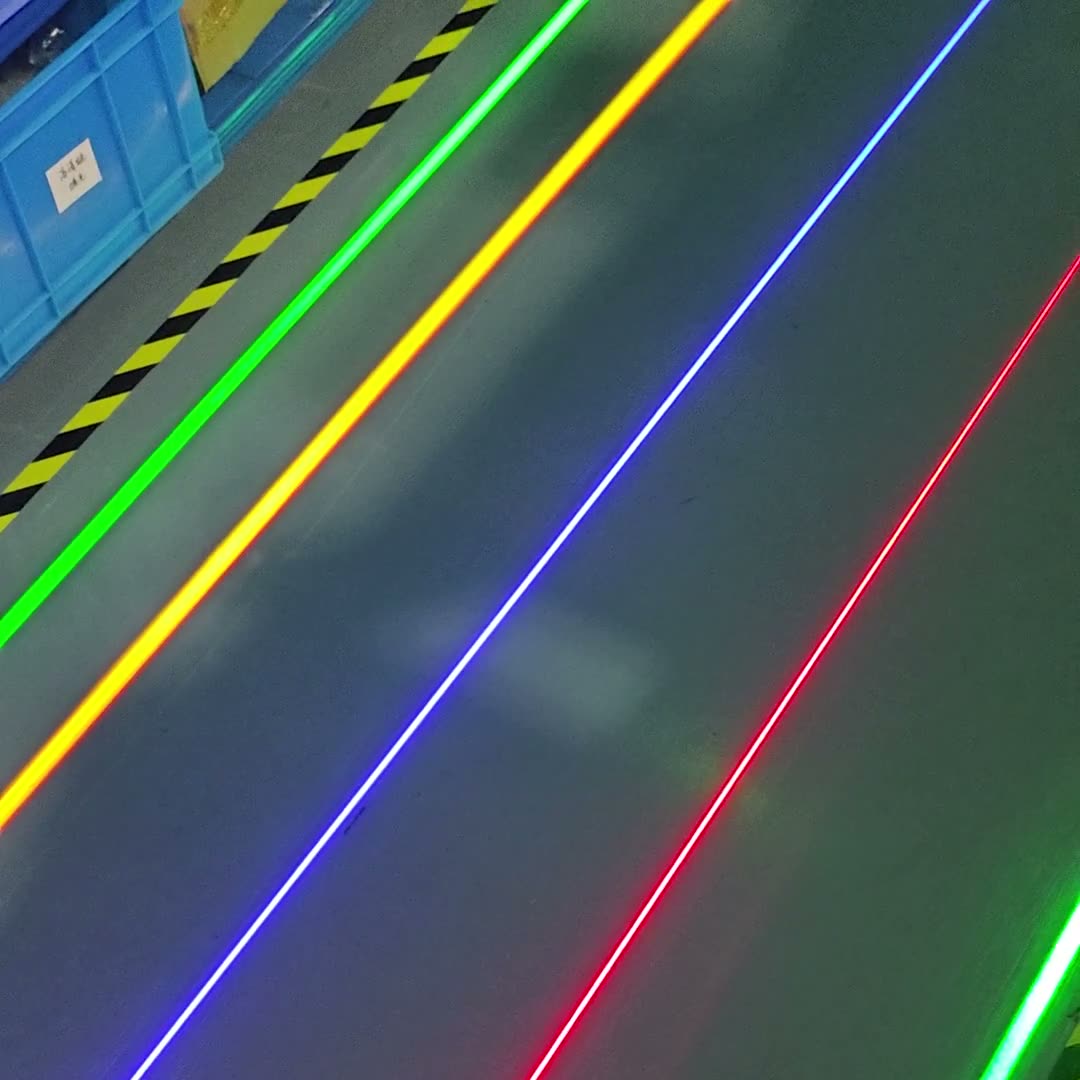
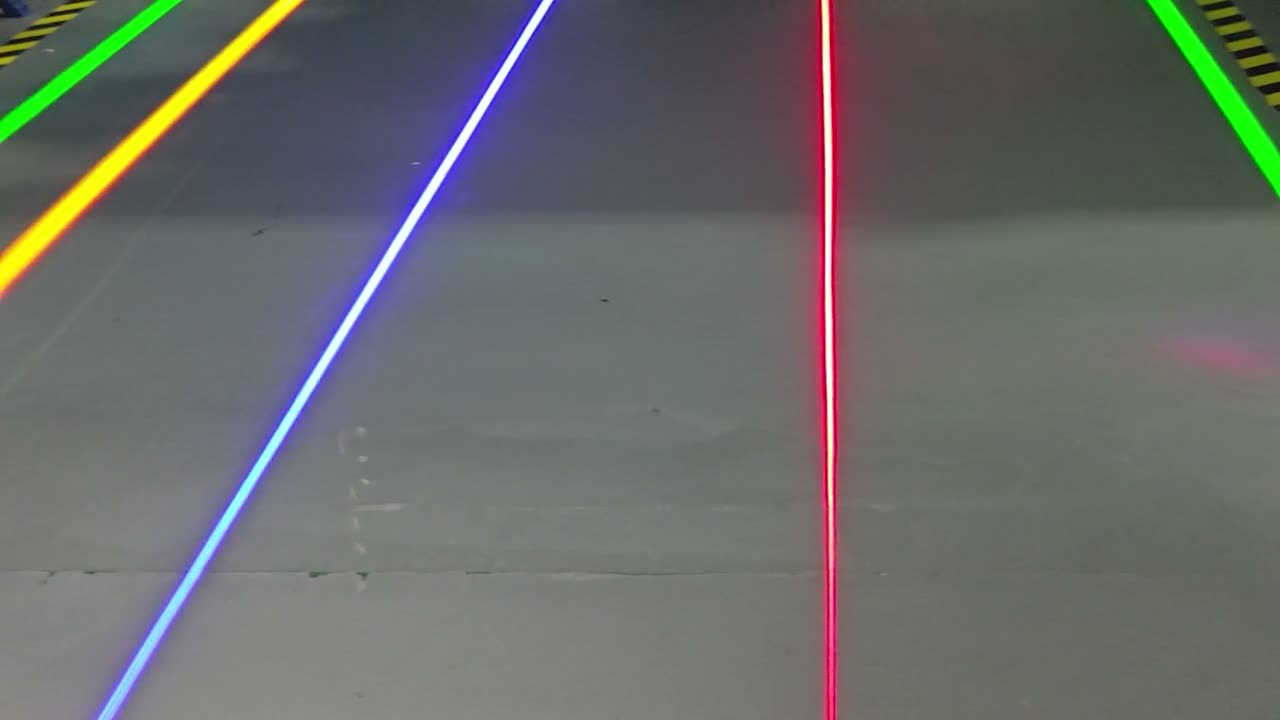
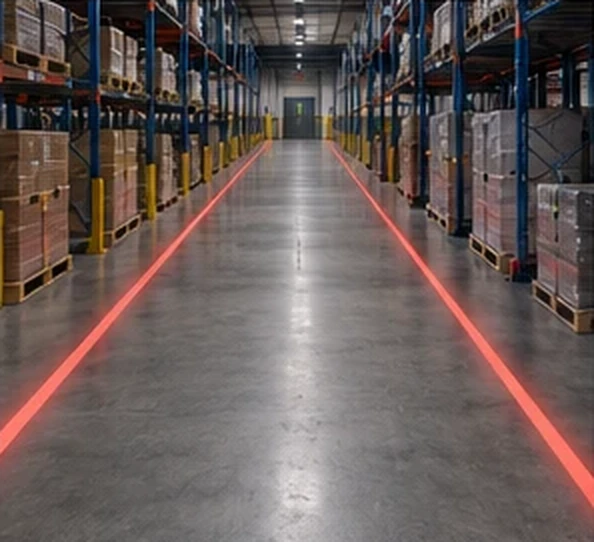
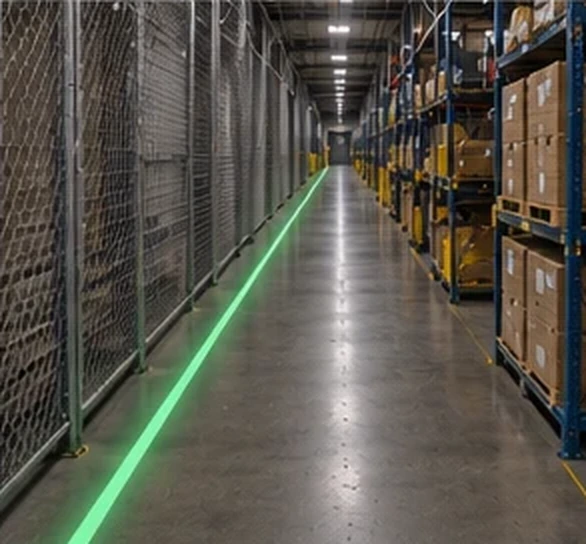
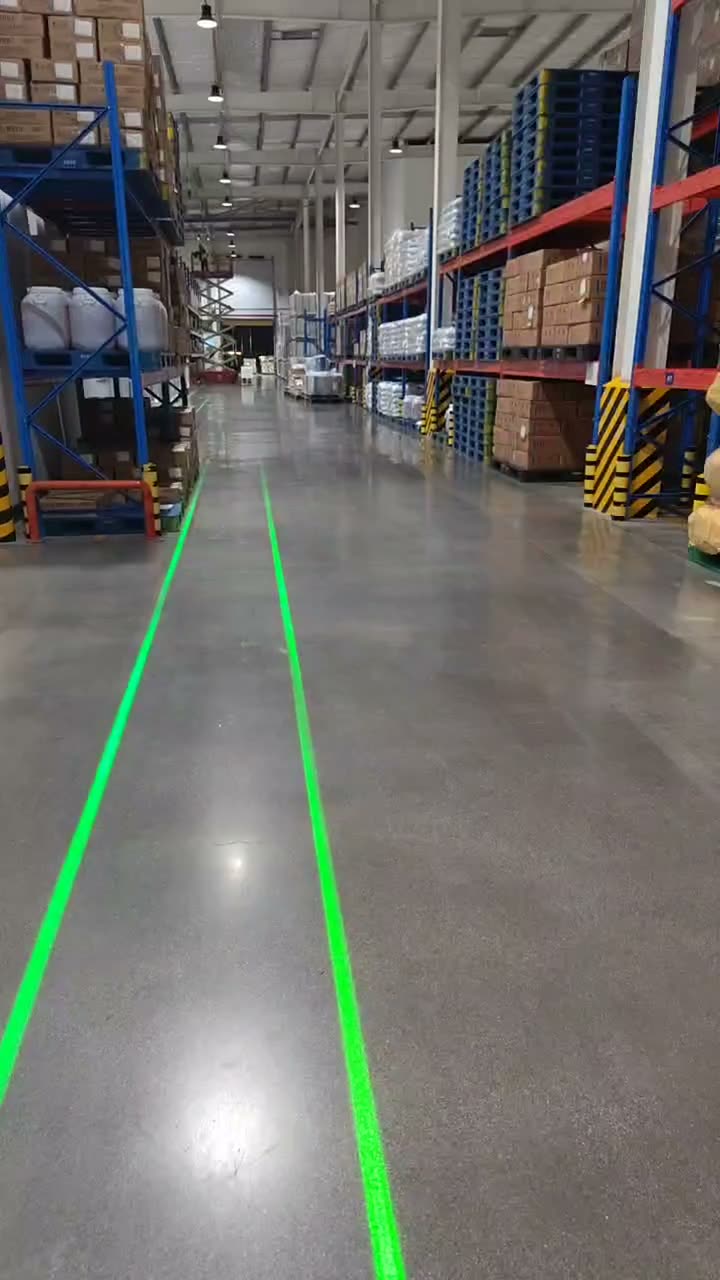
Ultra-bright, perfectly straight virtual lines for lanes, walkways and zone boundaries. Extremely durable, highly visible in bright light — a permanent-looking safety line with no tape or paint.
Browse laser line projectors →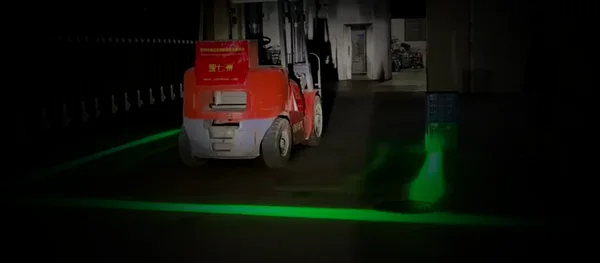 Sensor systems
Forklift Safety Zone System
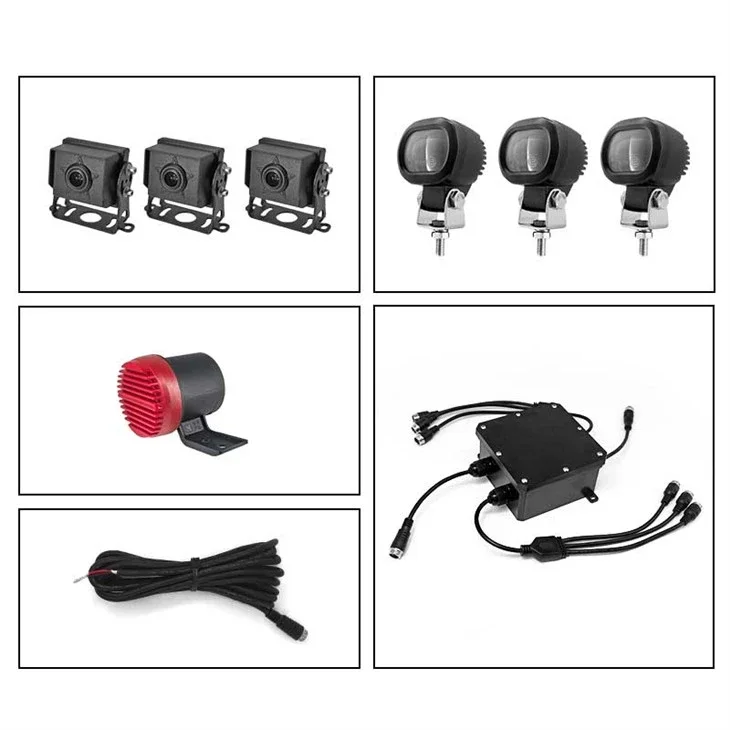
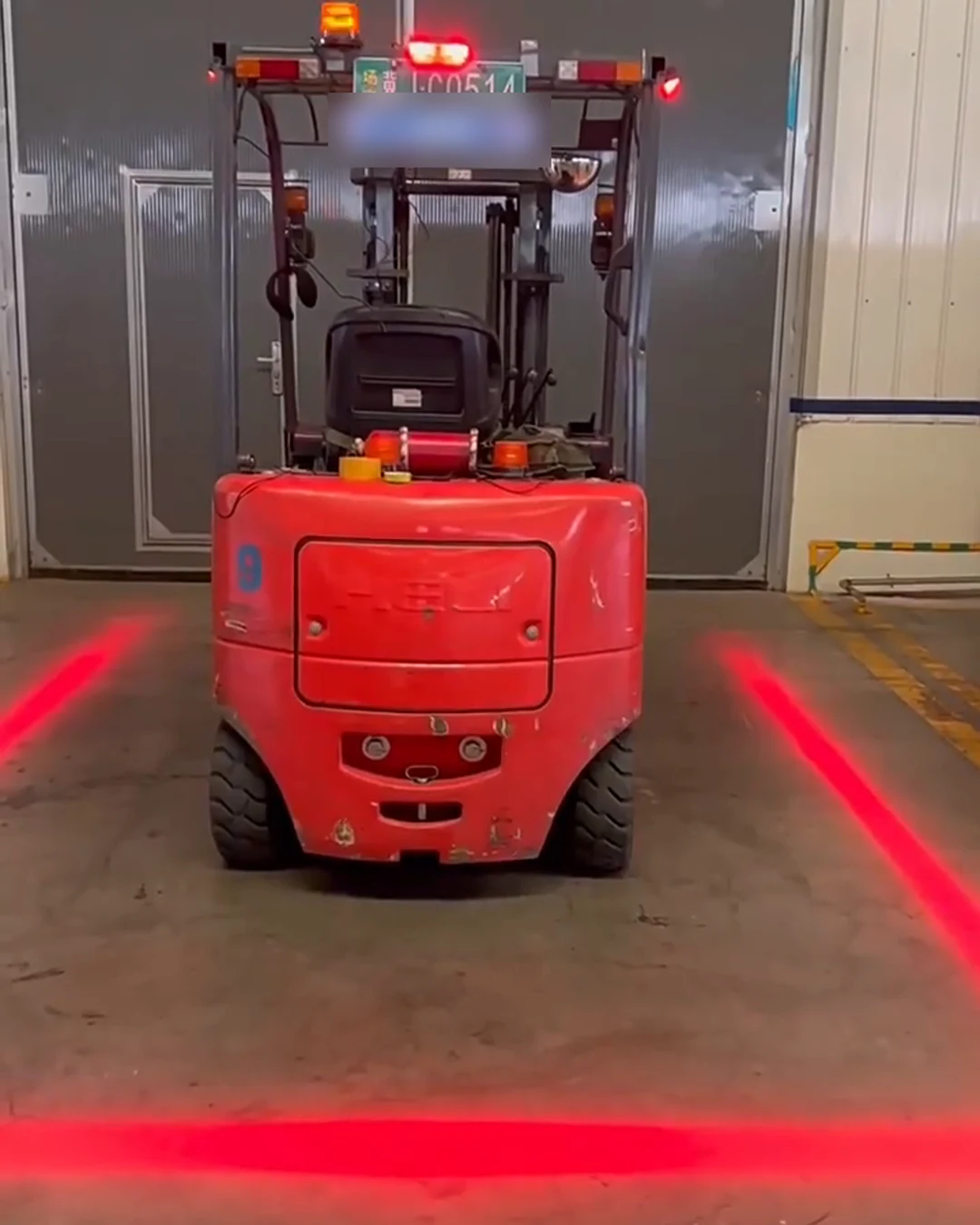
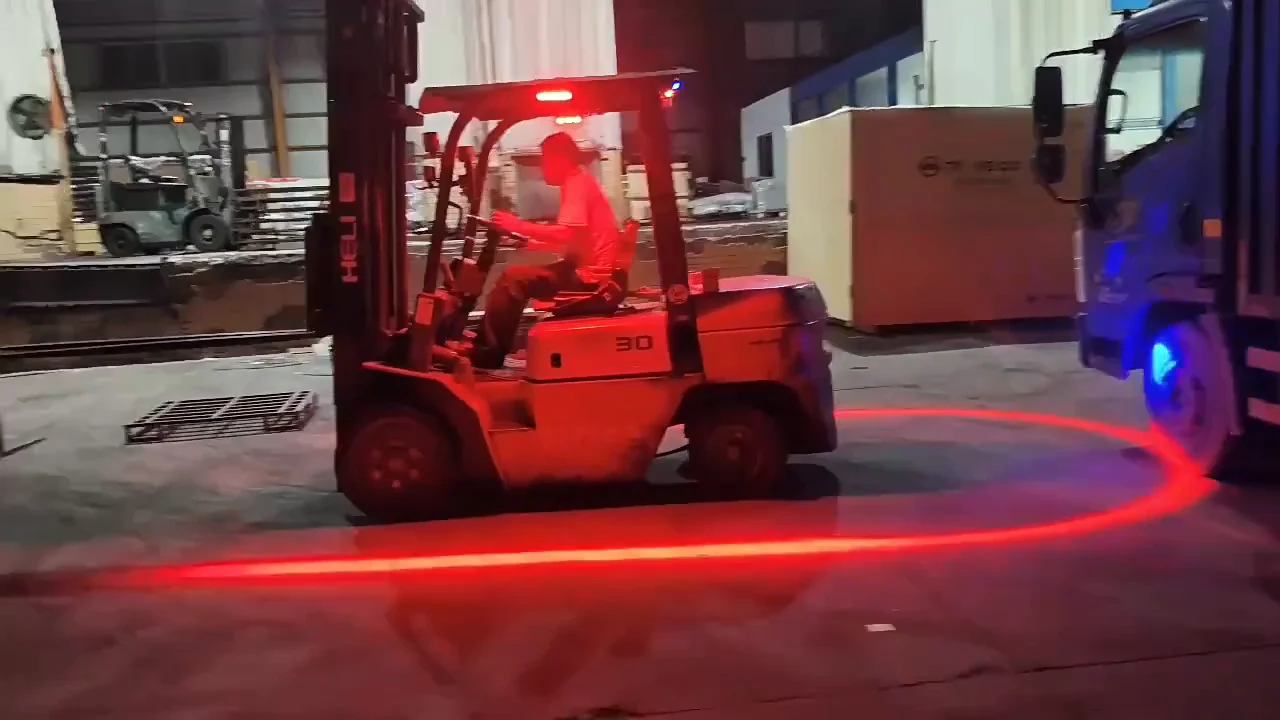
A moving safety zone that rides on the truck: green boundary lines on three sides, infrared sensors that watch 2–7 m (6.5–23 ft) out, and a red strobing line plus voice alarm the moment a person steps toward it. Wires to the forklift's own battery.
See the Forklift Safety Zone System →Vehicle & forklift safety lights — order online, quantity discounts from 2 units
Running multiple buildings or a global operation? Talk to us about a facility-wide or multi-site rollout — volume packages and spec help included.
See your floor react before you install a thing
Our planner runs your layout in 3D. Forklifts, robots and people move, the sensors trigger, and the projected lines and signs switch on cue. Open any scene live, then change it to match your building.
Real safety projections in action
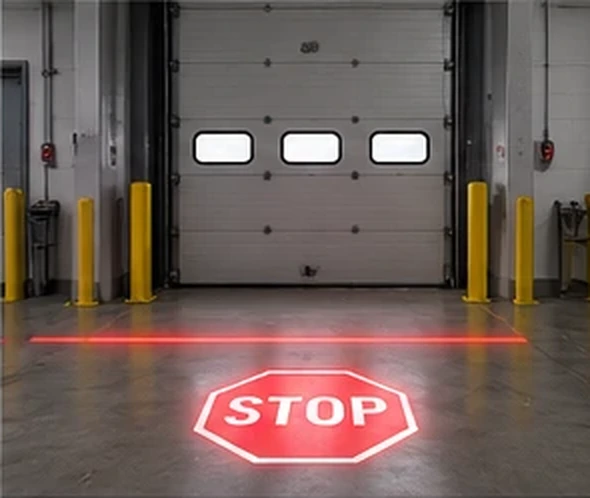
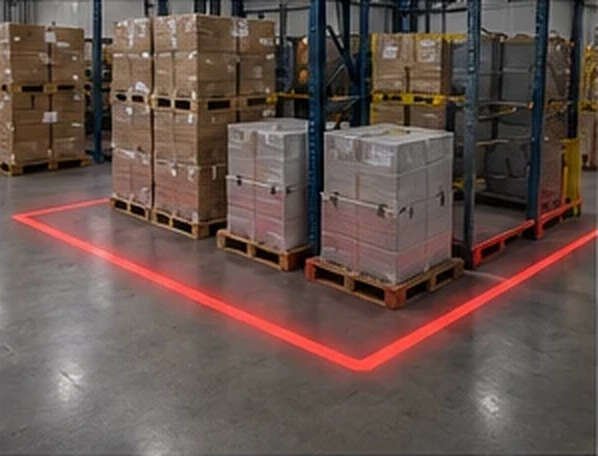
Bright, crisp safety markings cast straight onto warehouse floors — no paint, no tape, changeable in seconds. Tap any shot to enlarge.


Every projector ships with 2 FREE custom gobos — your exact signs, symbols or logo, set up to project bright and clear.
Real warehouse & facility safety projections in action
Bright, changeable safety graphics that outlast tape and paint — forklift warnings, PPE reminders and pedestrian lanes, all visible from across the aisle. Tap any shot to enlarge.
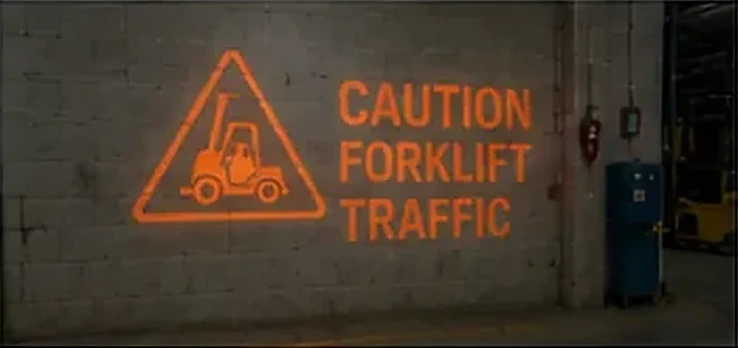

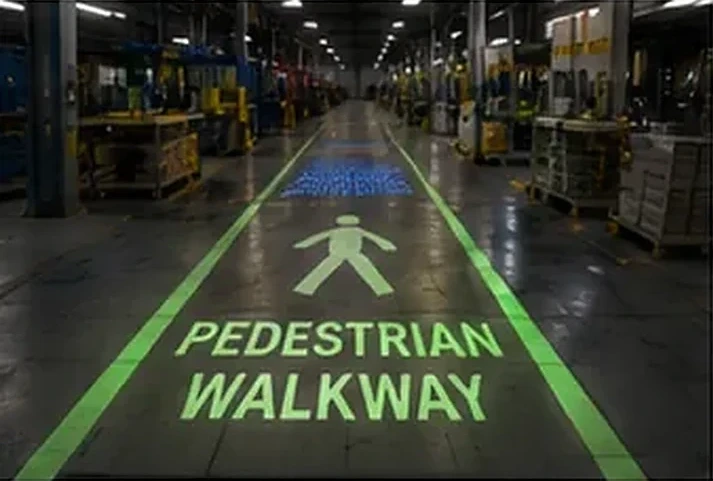
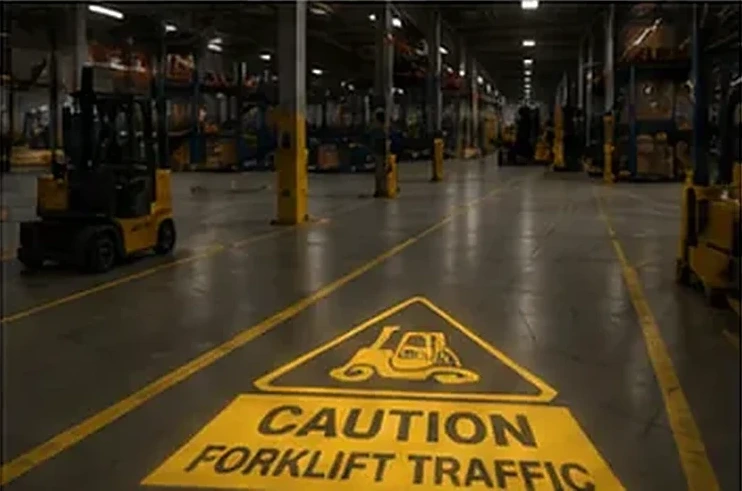


Every order includes 2 FREE custom gobos — your exact logo, monogram or message, set up to project bright and clear. Preview your own design ∞
What you can project
Any sign, line, symbol or message your facility needs:
- Pedestrian walkways and crossing lanes
- Forklift, AGV and vehicle traffic zones
- No-entry, restricted and PPE-required areas
- Hazard, caution and warning markings
- Stop lines and loading-dock positioning marks
- Social-distancing and queue markers
- Directional arrows and wayfinding
- Custom safety messages, symbols and your company logo
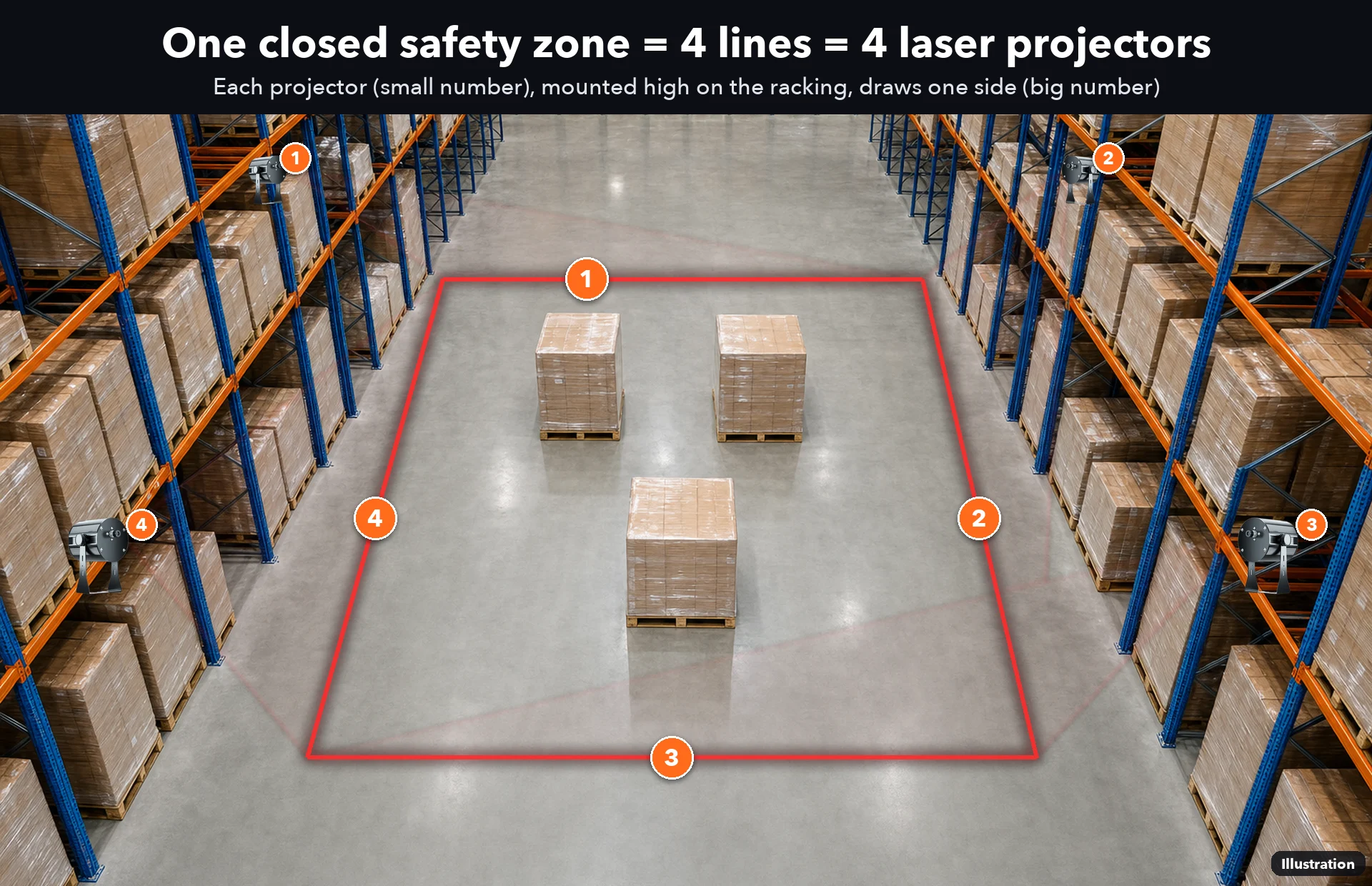

Plans & setup guides
Real layouts we have drawn: how many units, where each one mounts and what it covers. Tap a plan to see it full size.
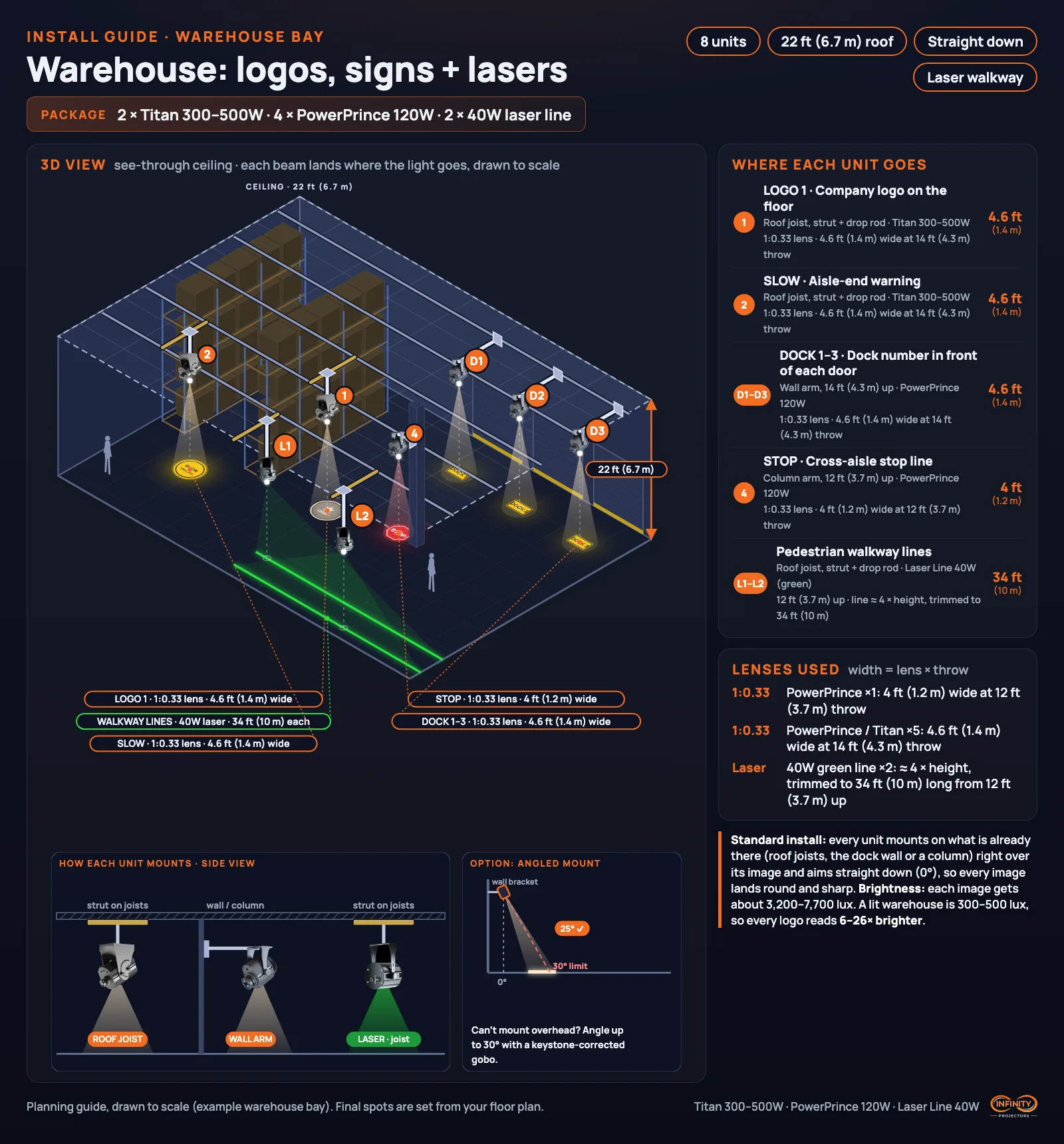
≈ sizes are our own estimate until the maker confirms them on a test unit. Tell us your space and we'll draw yours.
See it in the wild
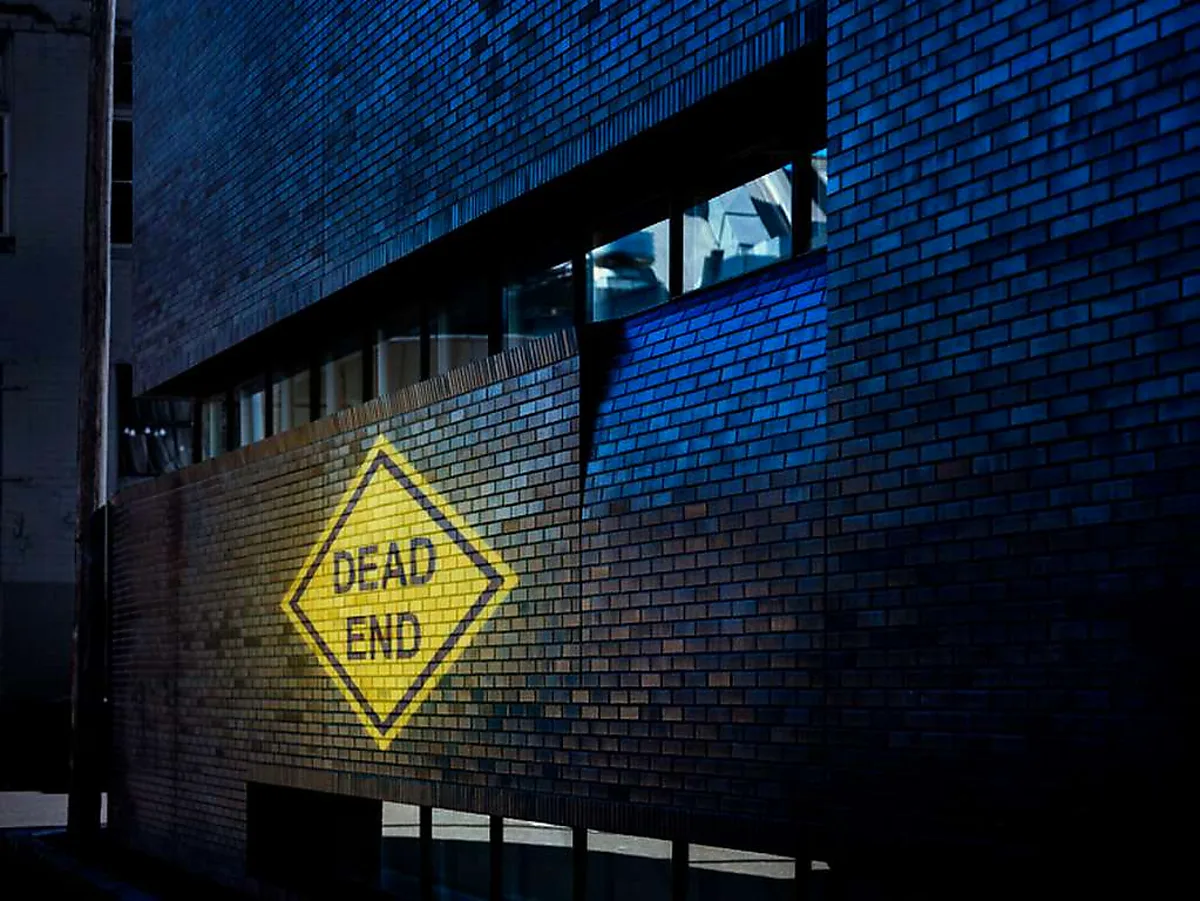
Real Safety Sign & Warehouse Projection Solutions installs — tap any shot to enlarge.
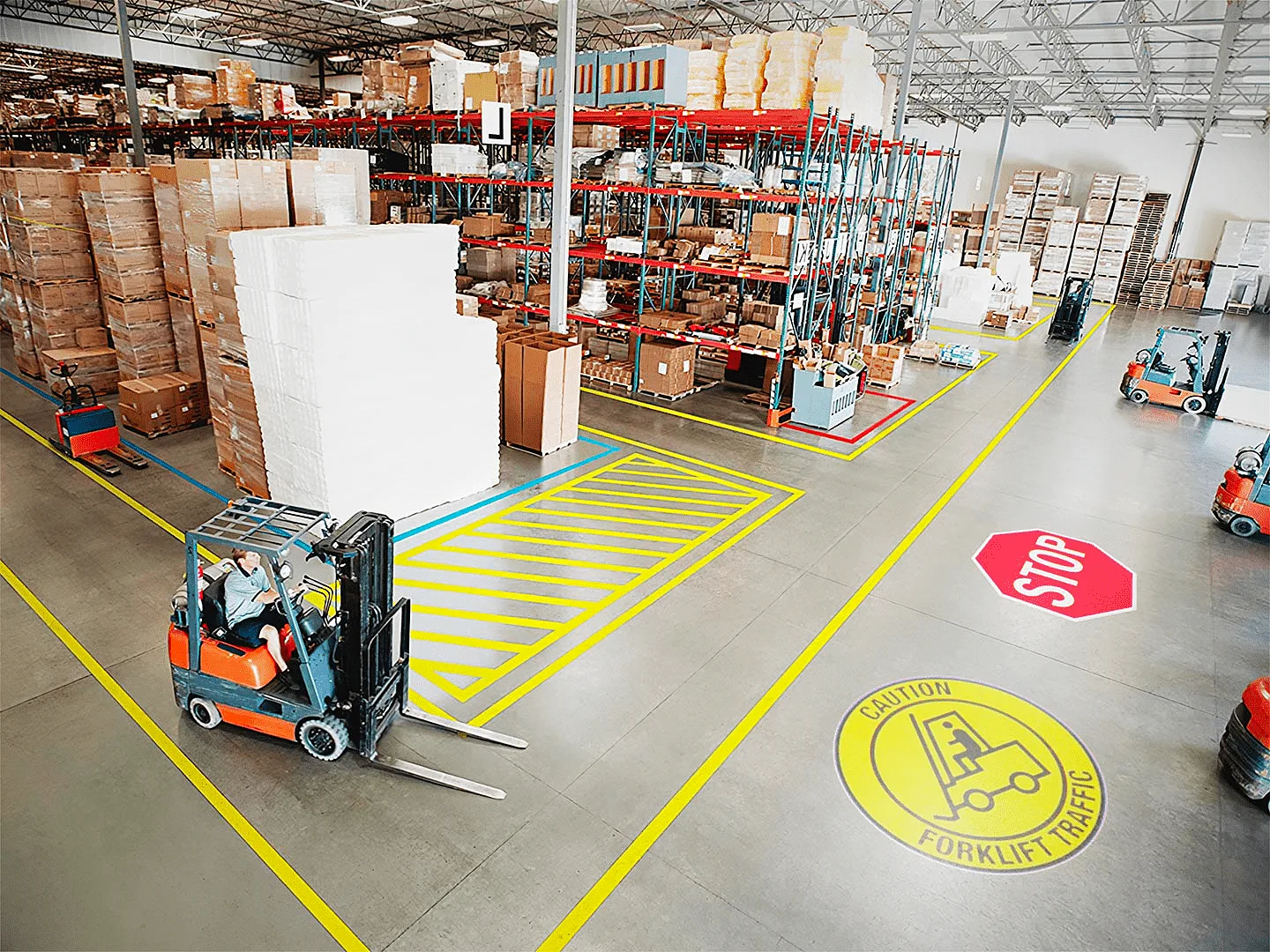 Real install ∞
 Real install ∞
 Real install ∞
 Real install ∞
 Real install ∞
Drop in your logo and watch it project to scale — before you order.
Watch it in action
What facilities project, at a glance
…and any custom safety message, symbol or your company logo — we include 2 FREE custom gobos with every order.
Recommended safety projectors & gobos
Outfit a single zone or an entire facility. Not sure what you need for your ceiling height and space? The Wattage Finder sizes it in 60 seconds.
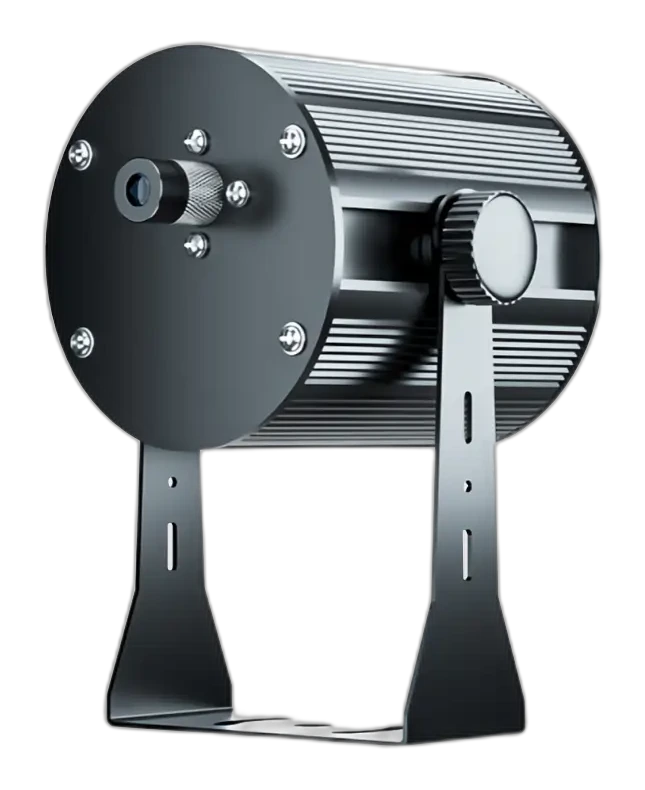 Laser Safety Line Projector
Bright, durable virtual warning lines
→
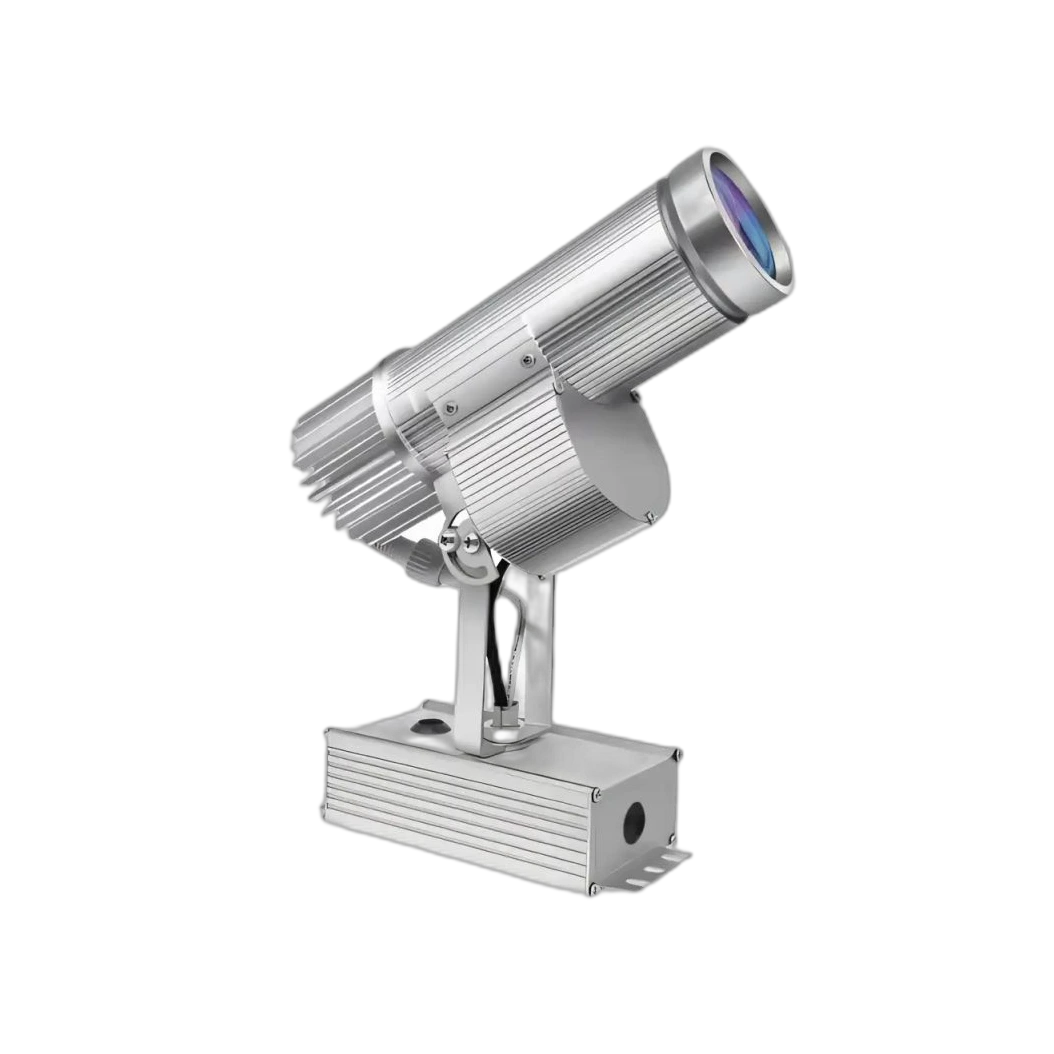 Indoor LED Sign Projector
Crisp floor signs & markings
→
 PowerPrince Outdoor (IP65)
Docks, yards & exteriors
→
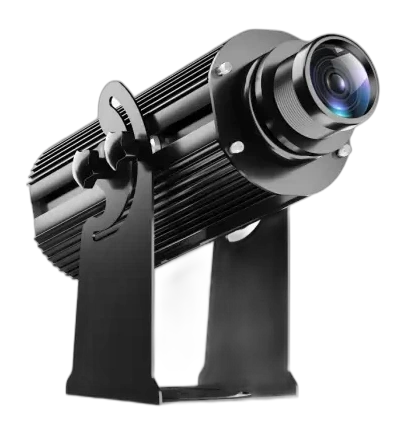 High-Wattage Titan
Tall ceilings & bright, large spaces
→
 Custom Safety Gobos
Your exact signs, symbols & logo
→
Browse Outdoor / IP-Rated Projectors
The full weatherproof range
→
Warehouse Safety Planner (free)
Plan lines, signs & sensors in 3D
→
Find my wattage
Size the right unit in 60 seconds
→
Stock Gobo Library
Ready-made safety symbols & designs
→
Detection Sensors (Radar & Camera)
Auto-trigger signs for vehicles & people
→
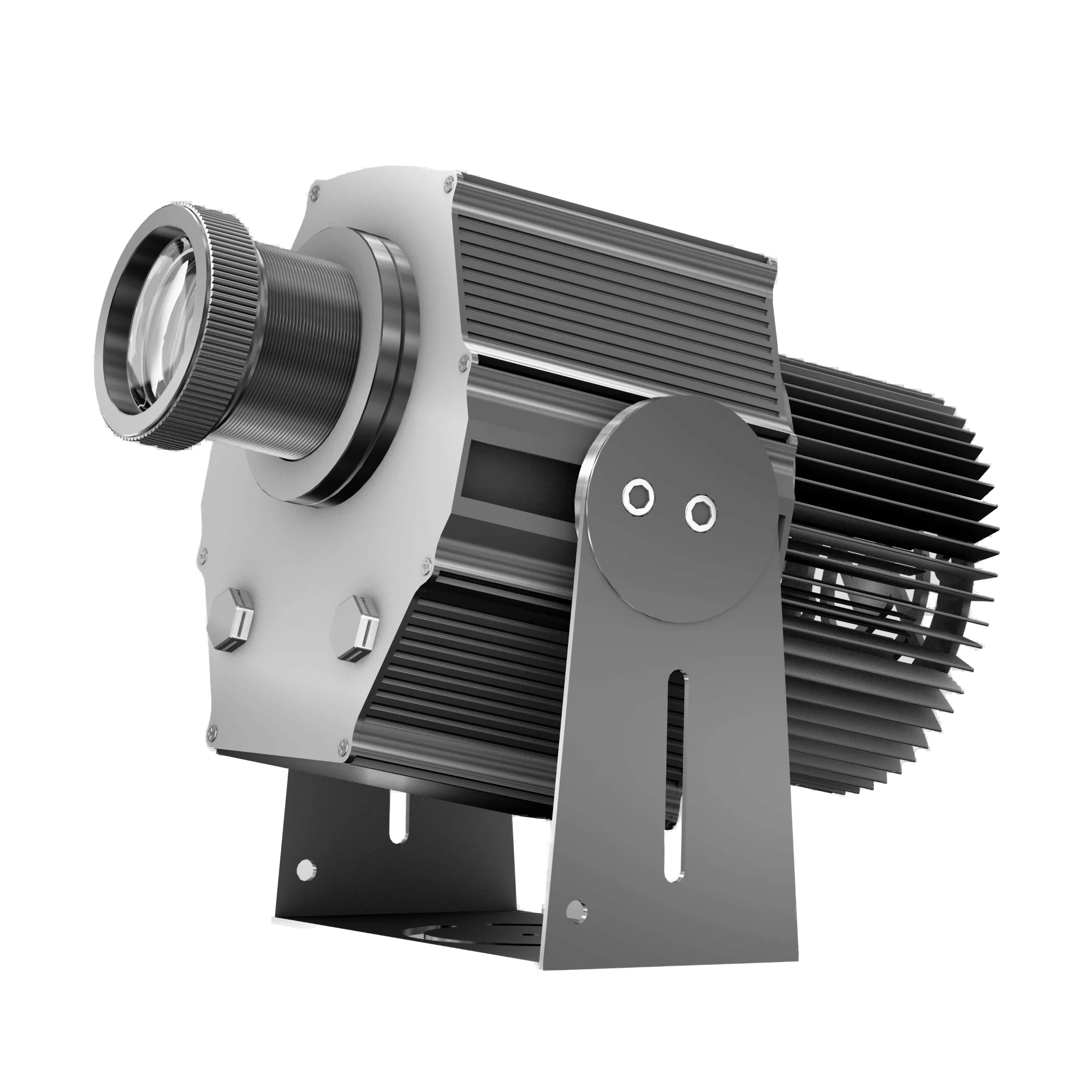 LY-Pro Compact Industrial Projector
Compact high-wattage option for tight spaces
→
 Forklift Safety Zone System
Green boundary turns red + voice alarm when a person approaches
→
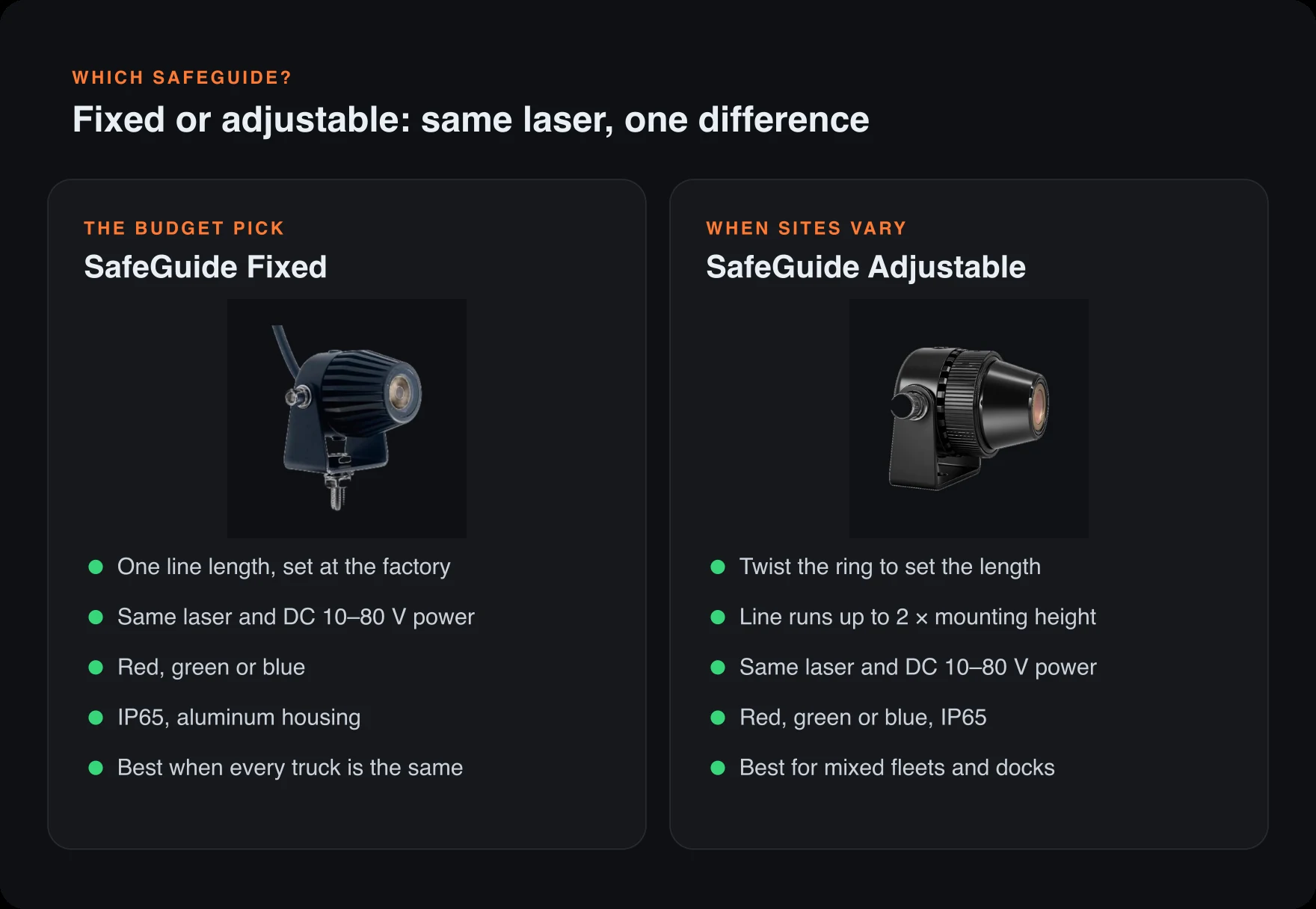
 SafeGuide Adjustable Laser Line
Vehicle-powered, 20-hour duty, twist-to-adjust line length
→
 SafeGuide Fixed Laser Line
Budget vehicle laser line at a factory-set length
→
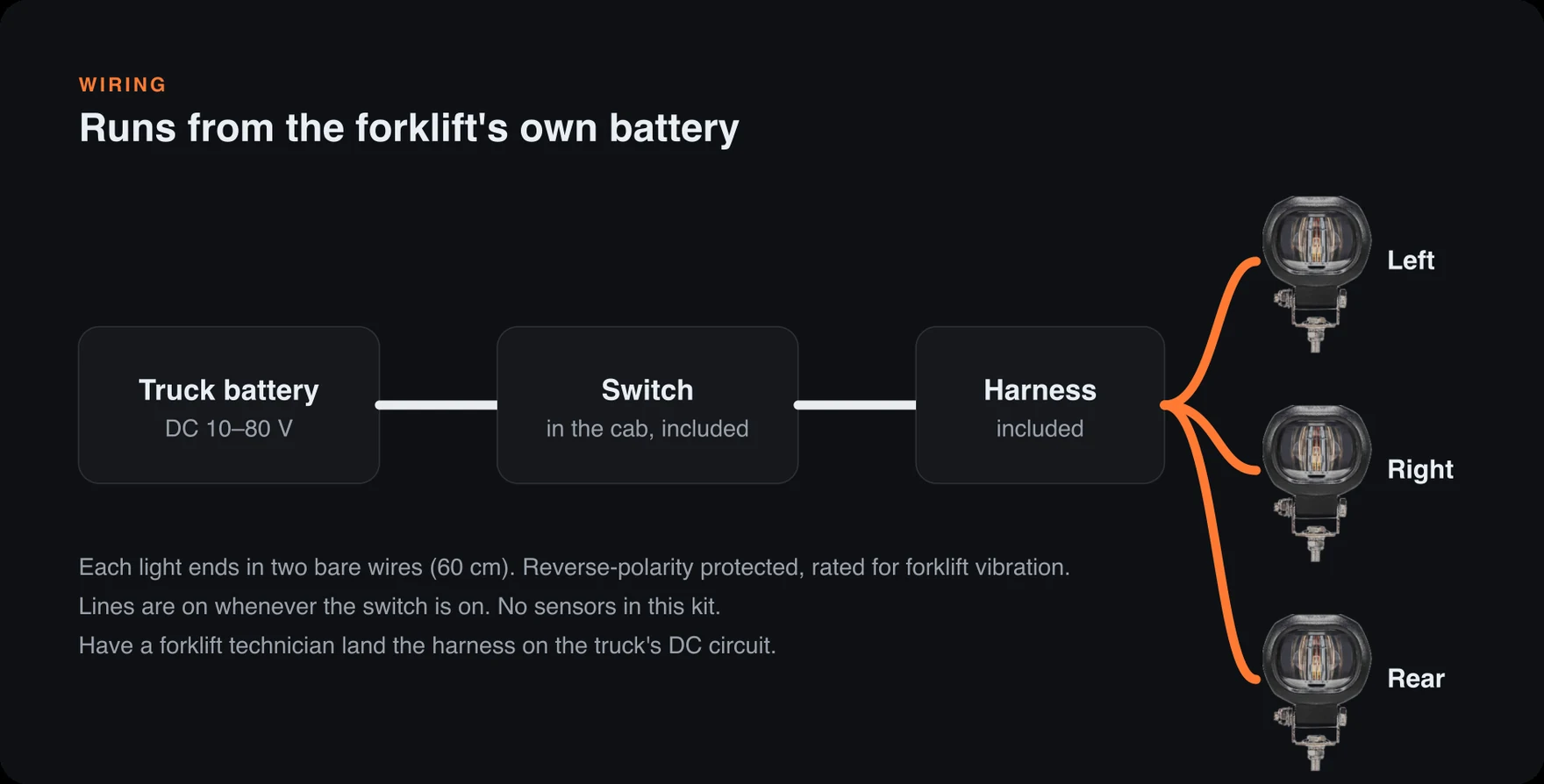
 Forklift Boundary Light Kit
Three LED lines around the truck, always on
→
 Warning Siren & Strobe
120 dB voice alarm, fired by a sensor
→
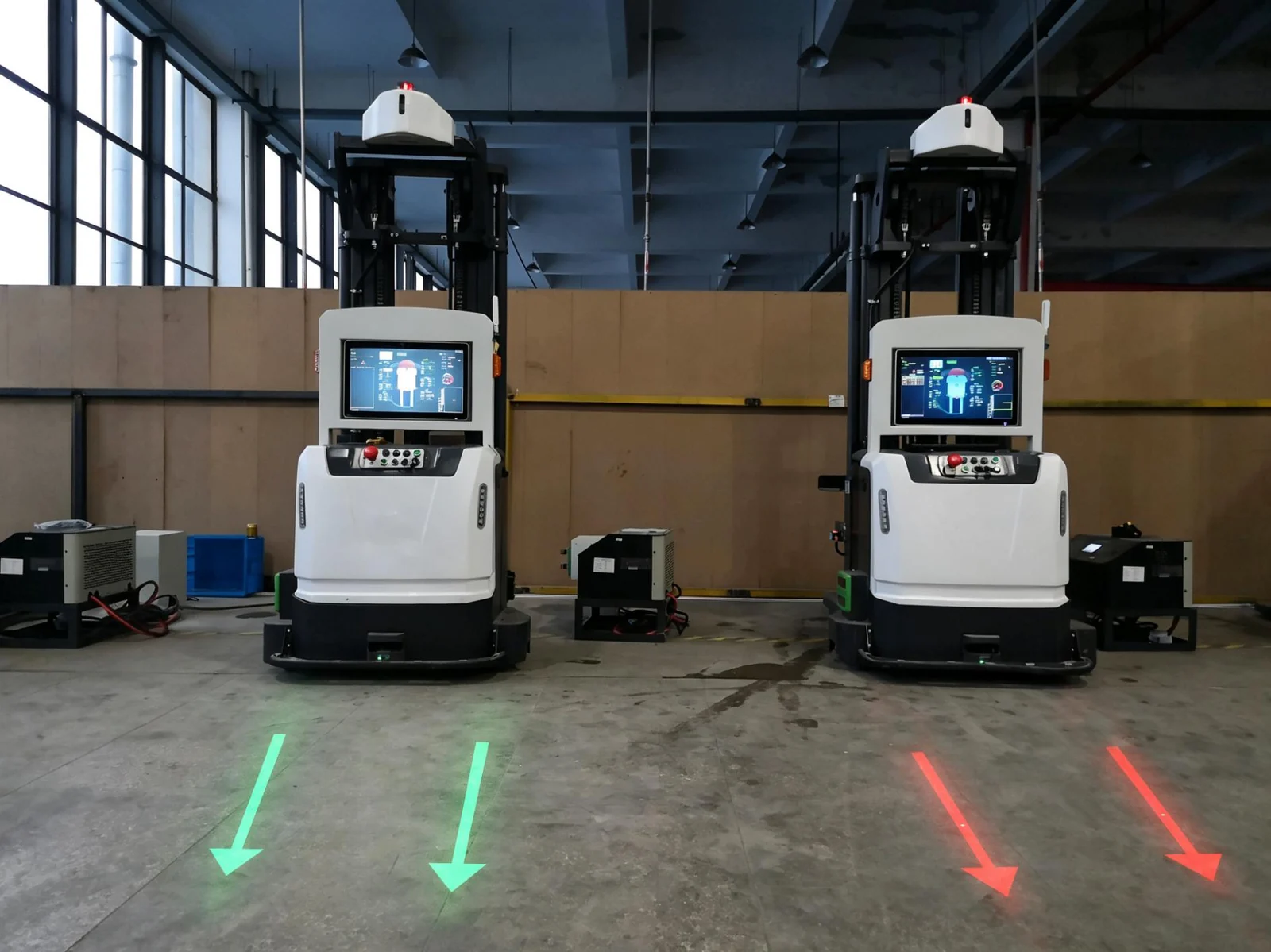
 Arrow Laser Warning Light
Direction arrow ahead of an AGV or forklift
→
 Red Block Arrow Laser
Short, bold arrow for small vehicles
→
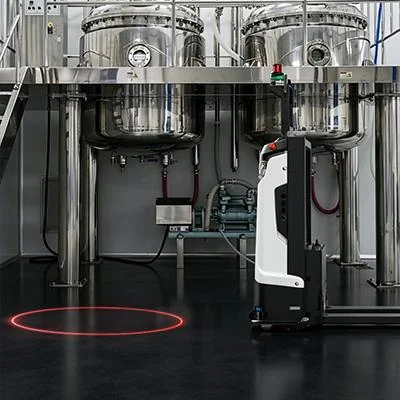
 Circle Laser Warning Light
Keep-out circle that moves with the vehicle
→
 Arch Laser Warning Light
Bumper-zone arch in front of the truck
→
Safety & warehouse logos, projected in light ∞
Here's the kind of branded projection we deliver for safety & warehouse spaces — storefronts, warehouse safety walls, event halls and more. Picture your own logo cast crisp in light.
Questions fréquemment posées
What is a safety sign projector?
A safety sign projector is an overhead LED projector that casts a bright safety marking — a walkway, hazard zone, stop line, arrow or custom sign — onto the floor or a wall. Unlike paint or printed signs, the projected marking never wears off and can be changed in seconds.
Is there a free tool to plan warehouse safety projection?
Yes. Our Warehouse Safety Planner, a free laser line planner at infinityprojectors.com/preview-pilot/laser-planner, runs in your browser. Draw laser lines, crosswalks, keep-clear zones and projected signs to scale on a sample warehouse, your own floor photo or a floor plan. It counts the projectors each run needs, adds radar and camera sensors, and lists every part with a budget price. Final specs and pricing follow a site review.
Can I see the safety signs and sensors working before I buy?
Yes. The Warehouse Safety Planner has a live 3D view: forklifts, robots, trucks and people move through your layout, the radar or camera sensors trigger, and the projected STOP, GO and warning signs switch on cue, with a caption explaining each change. Start from a ready-made scene, like a forklift crossing or a dock door, and change it to match your floor.
What does Infinity Projectors offer for warehouse safety?
A complete projected safety system from one supplier: laser line projectors for aisle edges, walkways and keep-clear zones; gobo floor sign projectors for STOP, crosswalk, forklift caution and arrow signs; radar and camera sensors that switch them on when traffic comes; and the free Warehouse Safety Planner to lay it all out and see it working in 3D before you buy.
How high should warehouse safety projectors be mounted?
Laser line projectors mount from about 3 ft up to 20 ft (10W) or 33 ft (20W, 30W and 40W), and each line is about the mounting height times the lens ratio. Floor sign projectors size the sign by height too: the sign is about the lens number times the height across, so a 0.33 lens 20 ft up makes a sign about 6.6 ft wide. Higher mounts need more wattage. Mount every unit in a run at the same height, on solid building steel or racking.
Will projected lines and signs show up under bright warehouse lighting?
Yes, when they are sized for the light. A thin laser line looks brighter than a wide one, green is the easiest laser color to see, and a higher wattage holds up better on a brightly lit floor. For floor signs, a lit warehouse calls for the top of the wattage range for your mounting height. The planner and the Wattage Finder size both for your room light, and we confirm it after a site review.
Which laser line ratio should I choose, 1:1.2 or 1:4?
Choose 1:1.2 for premium quality: each unit draws a line about 1.2 times its mounting height, and it is the crispest, most evenly bright line. Choose 1:4 to stay within budget: each unit draws up to 4 times its height, so you need fewer units, but the ends look softer. 1:2 and 1:3 sit in between. The ratio is set when the projector is built, so choose it before you order.
How many laser line projectors does a long aisle need?
Divide the run by the line one unit draws and round up. A 120 ft aisle with units 20 ft up needs two units at 1:4 (about 80 ft each) or five at 1:1.2 (about 24 ft each). On long 1:4 runs, plan an extra unit so the dimmer ends can overlap and the joined line looks even; with 1:1.2 the line stays solid end to end.
Can you mark forklift crossings and AMR lanes with light?
Yes. Laser lines mark the lane edges, a projected crosswalk or STOP sign marks the crossing, and a sensor switches the warning when traffic approaches. For robots (AMRs and AGVs), the best trigger is your robot system's own signal if it can send one; otherwise a radar sensor. The planner has ready-made crossing and robot scenes you can watch in 3D.
How do sensor-triggered safety projections work?
A radar or camera sensor is wired to a small controller, and the projectors wire into the controller. The radar reacts to movement toward it, from a slow creep up to about 15 mph, ignores traffic crossing sideways, and has separate relays for vehicles and people. The camera sensor is the more sensitive choice for people on foot. One controller runs two or three projectors that switch together, and each radar watches one direction of approach.
Are projected safety signs OSHA compliant?
Projected markings are widely used to support OSHA-style safety programs — marking walkways, forklift zones, hazard areas and PPE requirements. They supplement and often improve on painted markings because they stay bright and crisp. Always confirm the specific requirements for your facility and jurisdiction.
Should I use a gobo sign projector or a laser line projector?
Use a gobo sign projector when you need a custom image, symbol, text or logo, or want to change the message. Use a laser line projector when you need an ultra-bright, perfectly straight boundary line for a long walkway or zone. Many facilities use both together.
Can projected safety signs be seen in a bright warehouse or in daylight?
Yes — with the right wattage. Brightness depends on ceiling height, image size and ambient light. High-wattage and laser line units stay clearly visible in bright, high-ceiling and daylight environments. Our team (or the Wattage Finder) sizes the right unit for your space.
How durable are projected signs compared to painted floor lines?
Much more durable. There's nothing on the floor to scuff, peel, fade or get dirty. The projector's LED runs for tens of thousands of hours, and the marking stays sharp and bright the entire time — eliminating the repaint cycle.
Can I project more than one safety sign, or change them?
Yes. Multi-lens projectors can rotate through several signs from one unit, and any gobo sign can be swapped in seconds. As your layout or operations change, the markings change with them — no repainting.
How are safety projectors mounted?
They mount overhead — to ceilings, beams, racking, track or embedded fixtures — and plug into a standard outlet. No special wiring or install crews are required. Mounting height and angle are set to your space.
Do you make custom safety signs and symbols?
Yes. We create custom gobos for any safety sign, symbol, arrow, text or logo your facility needs — and every order includes 2 FREE custom gobos with design help to get them perfectly clear and bright.
How high can we mount a safety projector, and how big will the sign be?
Mounting height sets the image size: the sign's width is the lens number times the height — with a 0.33 lens, a projector 20 feet up makes a marking about 6.6 feet across. Brightness has to match the height too: in a well-lit warehouse, plan on roughly 100–120W at 16 feet, 120–150W at 20 feet, and 200–300W around 26 feet so markings stay vivid instead of washed out. Give us your ceiling height and ambient light and we'll spec the exact unit.
Do projected safety signs keep working during a power outage?
No — a projected sign is light, so it goes dark in an outage like any other fixture. That's why projection is best used to supplement, not replace, code-required physical signage: emergency exits and egress paths still need their physical illuminated signs. Where projection shines is the day-to-day layer — aisle markings, forklift zones, and reminders that never fade, peel, or get scrubbed off by traffic.
Can we move a projected sign when the floor layout changes?
Yes — that's the superpower. Re-aim the projector or relocate the mount, and the marking moves with it: no grinding off old paint, no peeling up worn tape. If a re-slot changes what the sign needs to say, you swap the gobo disc in seconds. For facilities that reconfigure often, that flexibility is usually the deciding factor over painted lines.
How much does it cost to run safety sign projectors every shift?
About 17 cents per fixture per 10-hour shift — a 100W projector uses roughly 1 kilowatt-hour over that time, around $5 a month per sign at typical US electricity rates (~$0.17/kWh). Compare that with repainting floor lines or replacing scuffed physical signage and the economics explain themselves: facilities just leave the signs lit every working shift.
Can safety projectors run on a timer with our shift schedule?
Yes. Our programmable timer add-on ($88.88) switches a whole circuit of projectors on and off to match your shifts, with programs set by day (weekdays only, for example), so markings are lit whenever crews are on the floor. Laser lines and our 300W and LY gobo projectors come back on in the mode you left them. One timer runs about 20 laser lines at 40W, or about 2 gobo projectors at 300W, on 110V; an electrician wires it in on a DIN rail, and changing the schedule afterwards is just a few button presses.
Radar Sensor or Camera Sensor — which one do I need?
It depends on what you're detecting. The Radar Sensor ($688.88) is built for approaching forklifts and vehicles — stable detection that keeps working in darkness, smoke, dust, fog and bad weather, and it doesn't capture images, which makes it the privacy-friendly pick for general safety zones and entry areas. The Camera Sensor ($788.88) is built for people — better pedestrian-detection performance, day/night operation with IR illumination, and it can distinguish between people, vehicles and objects with adjustable sensitivity and detection zones* (*depends on environment and configuration). Forklift lanes and dock doors lean radar; crosswalks and walkway zones lean camera.
Can I use the Radar Sensor and Camera Sensor together on the same aisle?
Yes — that's the recommended setup for mixed-traffic aisles where forklifts and foot traffic share the same space. The Radar Sensor handles vehicle detection and the Camera Sensor handles pedestrian detection, wired independently into the same projector or warning system so both trigger types are covered.
Do larger facilities need more than one sensor?
Often, yes. Size coverage by zone, not by projector — a long aisle or a facility with multiple dock doors typically needs a sensor per zone so each approach path gets its own detection. Sensors can be ordered in whatever quantity your layout needs.
Trusted across industries
Thank you for all the help on getting this turned around so quick. It is a big hit here. Everyone loves having the name slit up and rotating. Don
We received and installed the embedded projectors in our restaurant. It looks great and our clients always compliment it. We are very happy with it and will order more for our other locations soon. Thank you f...
The digital displays are great. We had our open house and ribbon cutting recently, and the monitor wall was a talking point.