Jul 10, 2026
Infinity KaleidoScope 4-Gobo Static Projector: Buying Guide
Short answer: The Infinity KaleidoScope 4-Gobo Static Projector loads 4 separate gobo designs into one rotating carousel and holds each one perfectly still and readable — built for a consistent branded backdrop, not a moving effect. It also ships with both a 3-Prism (TriScope™) and a 5-Prism (PentaScope™) lens included free — a $547.76 value on our standard line — so each of those 4 designs can multiply into up to 12 or 20 images from one unit. It runs $767.88 (35W) to $2,717.88 (700W), indoor or outdoor. Want the pattern to spin and blend instead of stay still? See the 4-Gobo Spin Projector guide.
If you need one projector to carry several logos, sponsor marks or seasonal designs — and you need every one of them to look sharp and steady, not spinning or blurred — the 4-Gobo Static Projector is built for exactly that job, and it comes with two included lenses that multiply what you get from it. Here's how the carousel works, what the included lenses do, what it costs at each wattage, and which setup fits your space.

What is the Infinity KaleidoScope 4-Gobo Static Projector?
It's an LED gobo projector built around a 4-slot carousel instead of a single fixed gobo. You load up to four separate designs — your logo, a sponsor's logo, a seasonal graphic, a wayfinding icon, whatever the space needs — into one housing, and the projector can hold on any single design or step between them on a timer. Either way, whatever is on screen at a given moment stays still. Nothing spins, drifts or blurs while it's projecting, which is exactly what a business or venue wants from something acting as a sign, not a light show.
Same LED light engine as the rest of Infinity's gobo line, just with a 4-image carousel in front of it instead of a single mounted gobo. On top of that, it ships with two multiplying lenses included at no extra cost — covered in detail below — so one unit can realistically stand in for several signs.
How the 4-gobo carousel works — and static vs. spin
Inside the housing, your four gobo designs sit on a wheel positioned between the LED engine and the lens. The projector can park the wheel on one design indefinitely, or index it forward to the next design on a set interval — think of it like a slide changer, not a spinning disco light. Because the wheel isn't rotating while an image is being shown, every projected design comes out crisp-edged and easy to read at a glance, which matters if what's on it needs to actually be identified (a name, a logo, a directional icon) rather than just admired as an effect.
Choose Static if…
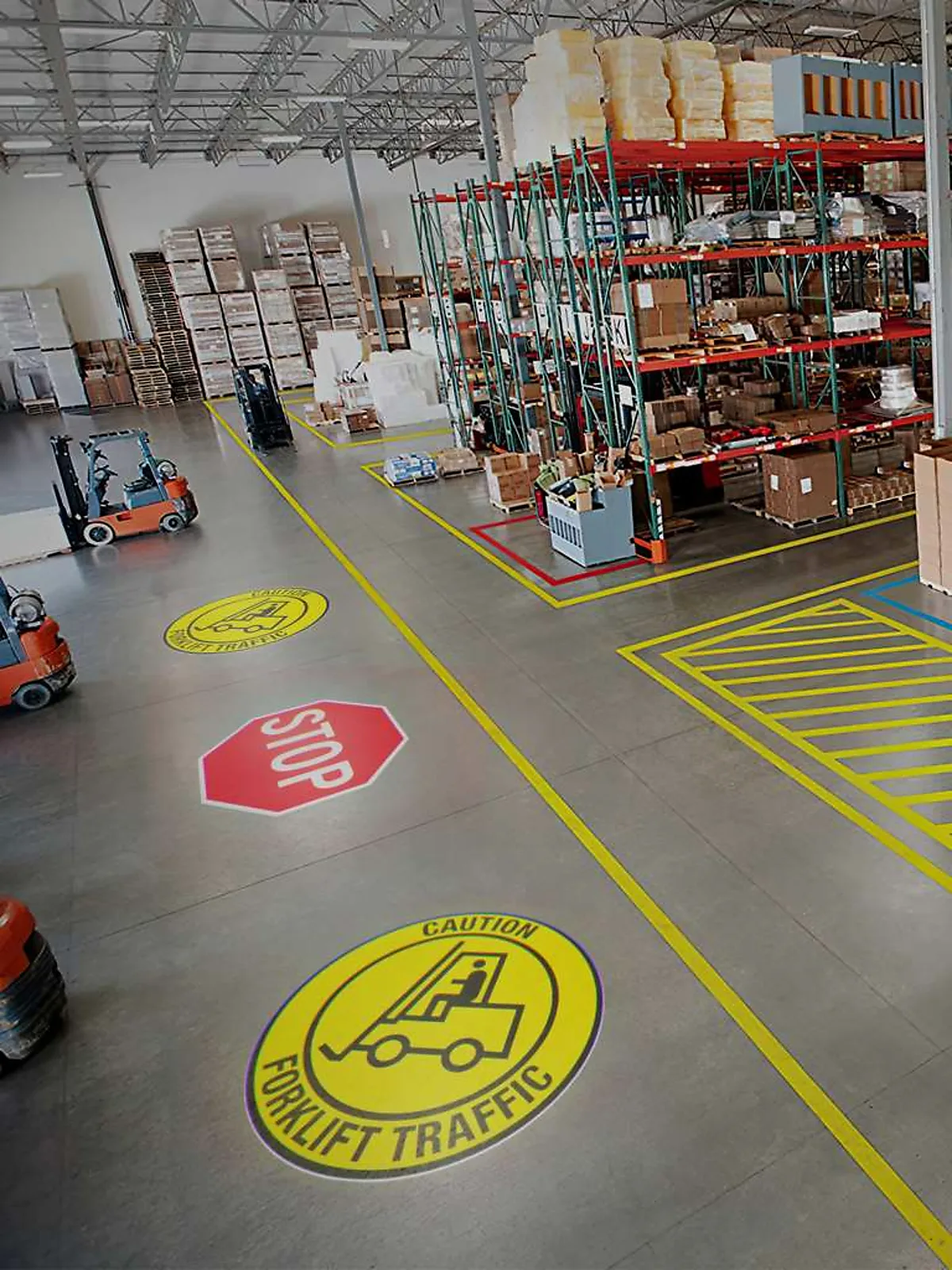
You need the image to read clearly and hold still — branding, signage, a step-and-repeat backdrop, wayfinding, or any spot where people need to actually recognize what's on the wall.
Choose Spin if…
You want continuous motion — a dancefloor, a nightclub, a party where the goal is energy and movement rather than a legible sign. See the 4-Gobo Spin Projector guide for that version.
Both versions share the same LED engine, the same 4-gobo capacity, the same 35W–700W wattage range, and the same two included lenses covered next — the carousel motion is the only thing that changes between them, so picking between the two is really a question of what you need the light to do, not a brightness, price or lens decision.
What's also included: the 3-Prism and 5-Prism lenses
The gobo carousel controls how many different designs you can show. A separate feature — the lens — controls how many copies of each projected design land on the wall, and it's easy to conflate the two, so here's the distinction: gobo count is about variety, the prism lens is about multiplication. Every Infinity KaleidoScope projector, including this one, ships with both of the following lenses in the box, at no extra charge:
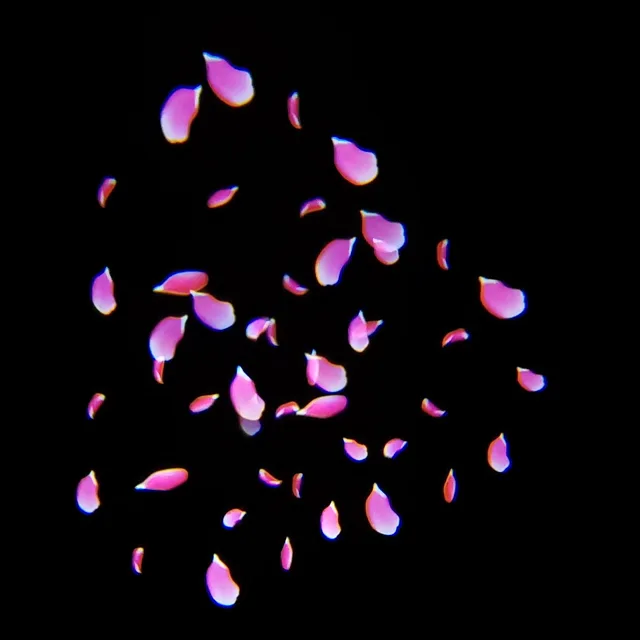
3-Prism (TriScope™) — preinstalled by default
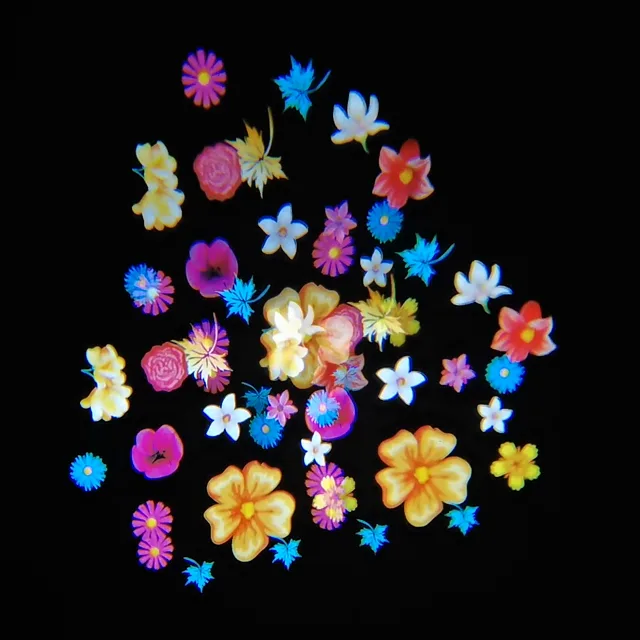
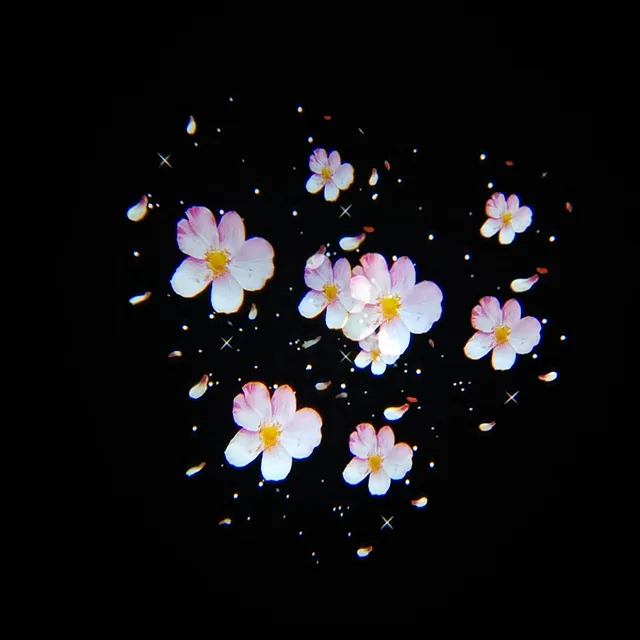
Splits each projected design into 3 copies in a triangular arrangement. On Infinity's standard (non-KaleidoScope) projectors, this lens is a $188.88 paid upgrade — here it ships installed at no charge.
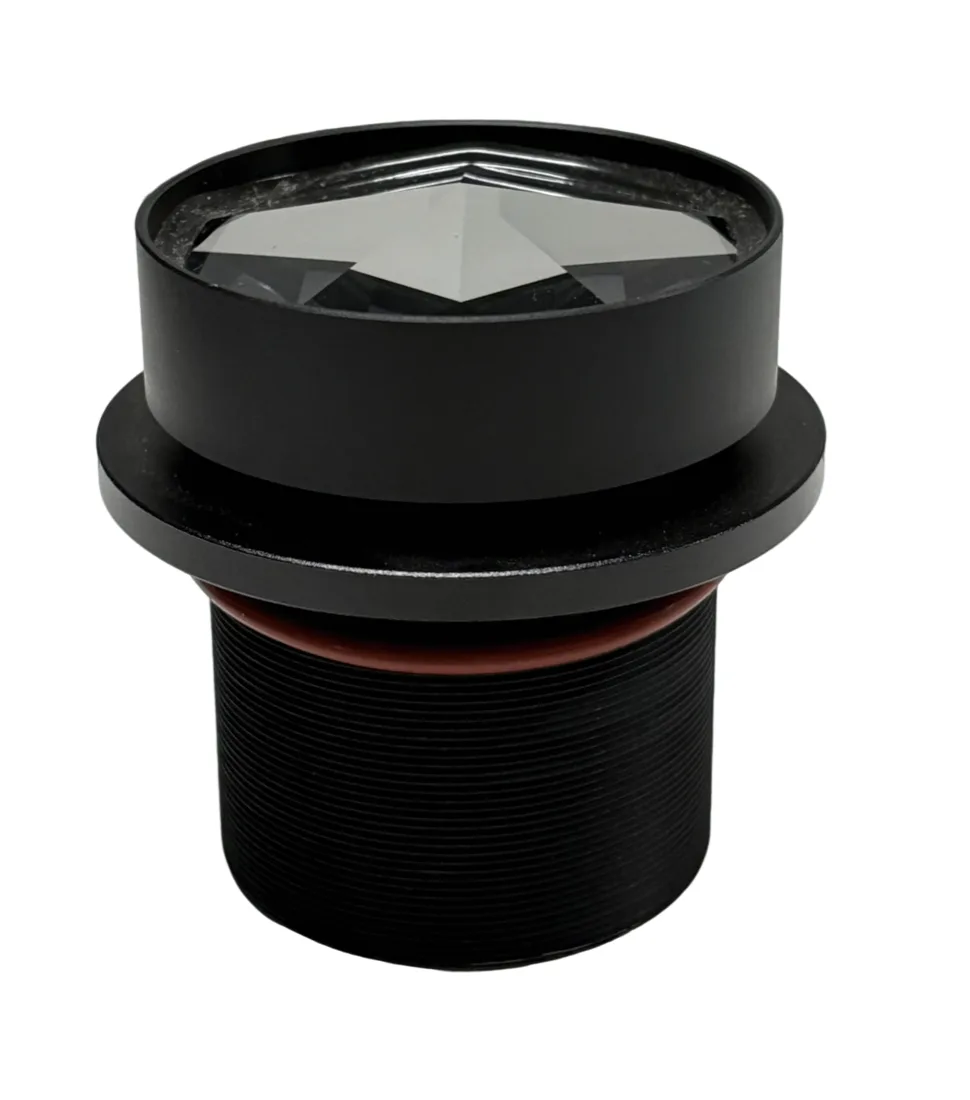
5-Prism (PentaScope™) — included as a free spare
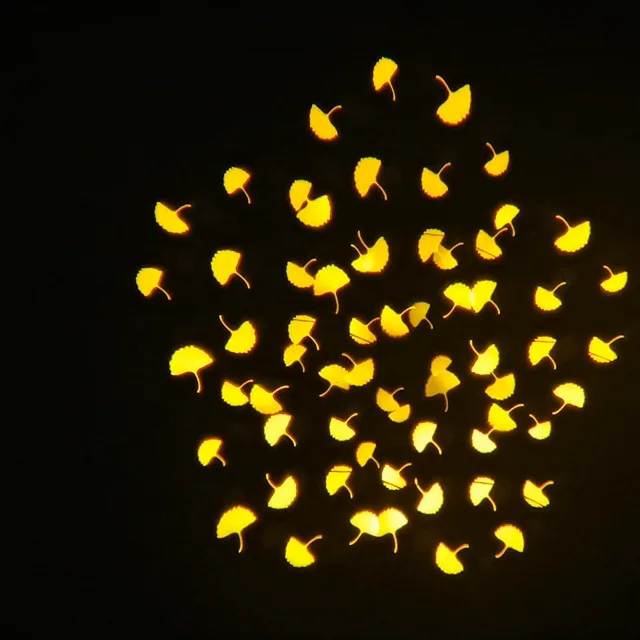
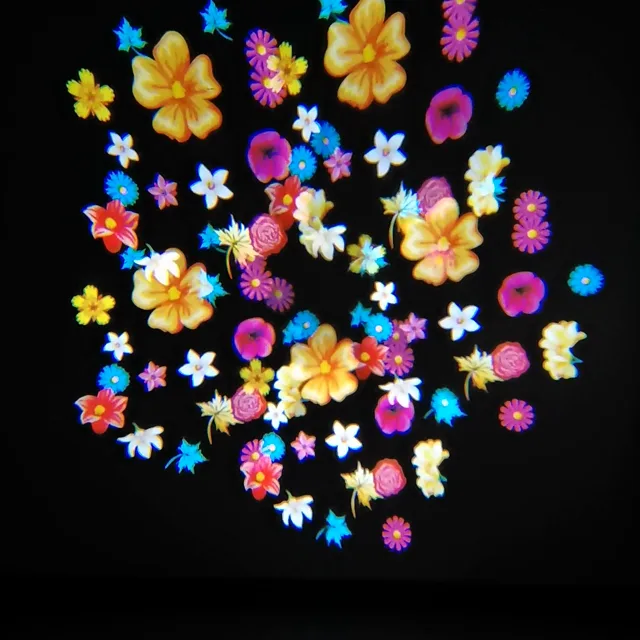
Splits each projected design into 5 copies in a star-like cluster. On the standard line this runs from $358.88 — here it's included in the box, ready to swap in any time you want denser coverage.
You pick which lens ships preinstalled at checkout; the other rides along as a free spare you can swap in yourself whenever the job calls for it. Combined with the 4-gobo carousel, the math stacks: 4 designs × the 3-Prism lens = up to 12 images from one projector, or 4 designs × the 5-Prism lens = up to 20 images — all from a single unit, single mount point and single power run.
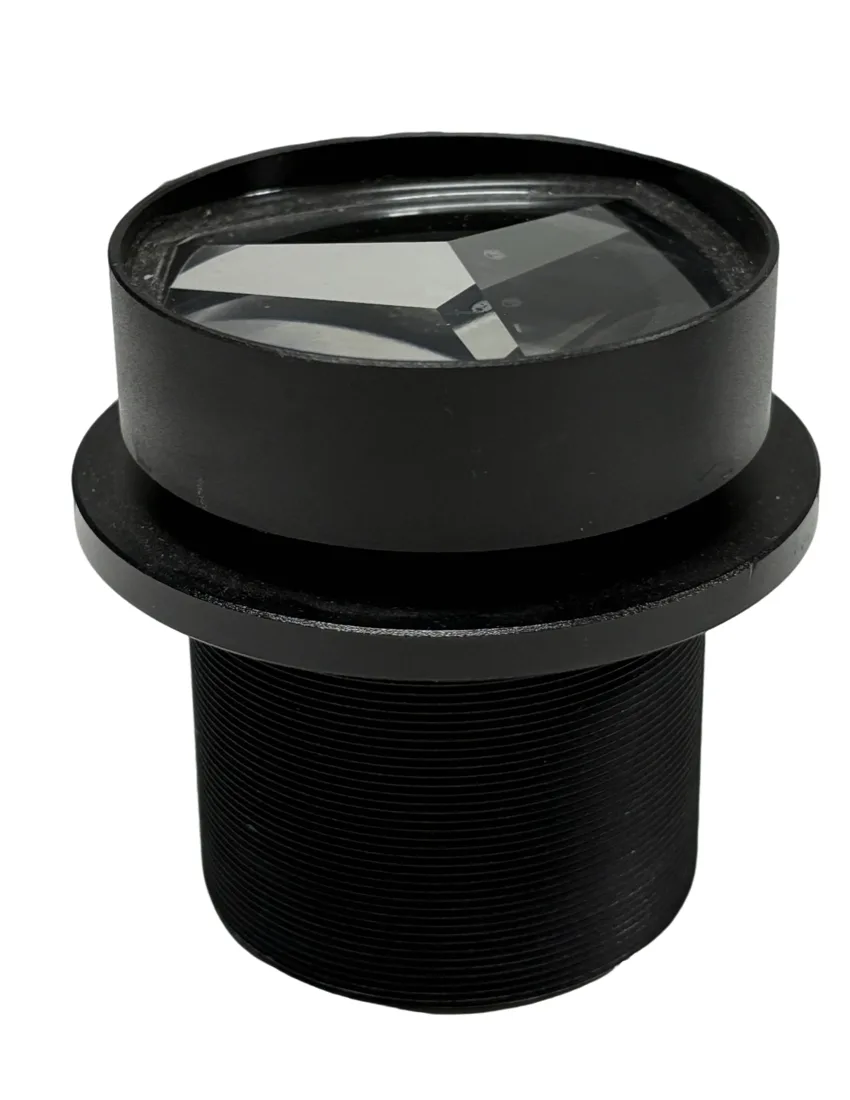
More 3-Prism (TriScope) examples
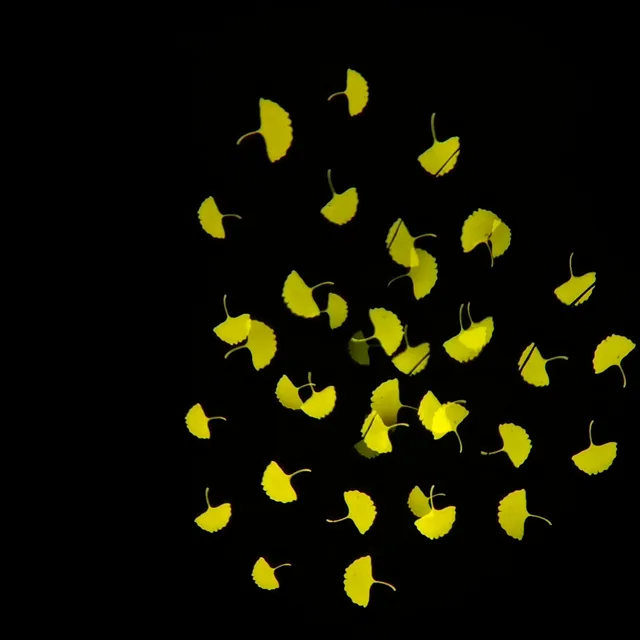
More 5-Prism (PentaScope) examples
3-Prism vs 5-Prism, side by side
One honest tradeoff worth knowing: splitting the beam into more copies divides the same light output across all of them, so each individual copy reads a little dimmer than a single un-split image at the same wattage. If a room is bright or the wall is large, the 5-Prism spread benefits from stepping up a wattage tier versus running a single 3-Prism image in the same spot — the Projector Finder accounts for this when it prescribes a wattage.
For the full walkthrough of how the prism lenses work across Infinity's whole KaleidoScope line (4, 6 and 8-gobo models), see the KaleidoScope Projector Guide.
Choosing the right wattage for your space
The 4-Gobo Static Projector spans 35W to 700W, and — like every LED gobo projector — the right wattage depends on how big you want each image and how much ambient light it has to compete with, not just the size of the room. A dim indoor space needs far less wattage than a sunlit storefront window of the same size, and running the 5-Prism lens across a large wall calls for a bit more headroom than a single 3-Prism image would need. Here's how the range breaks down in practice:
| Wattage range | Good for | Price |
|---|---|---|
| 35W–50W | Small indoor spaces with dim-to-average light — a reception desk backdrop, a boutique window at night, a DJ booth accent | $767.88–$797.88 |
| 80W–135W | Average-lit indoor venues — restaurant or bar interiors, banquet halls, a mid-size lobby wall | $867.88–$1,157.88 |
| 150W–200W | Brighter indoor rooms, larger walls, or a storefront window with moderate daylight | $1,307.88–$1,617.88 |
| 300W–400W | Large event spaces, bright ballrooms, storefronts facing well-lit streets, dusk-to-evening outdoor use | $1,817.88–$2,097.88 |
| 500W–700W | Large outdoor installs, big branded backdrops at festivals or expos, bright storefronts in daylight, long throw distances | $2,367.88–$2,717.88 |
Since this unit is built for indoor and outdoor placement, don't just size for the room — size for the light (and for whichever lens you're running). A 100W unit that looks perfect in a dim hallway will read as faint on a sunlit sidewalk; a 500W unit is overkill for a quiet indoor lobby. If you're not sure which band fits your space, the free Projector Finder asks for your throw distance, image size and ambient light and hands back the exact wattage — or read the full wattage guide for the underlying logic.

Real ways businesses and venues use it
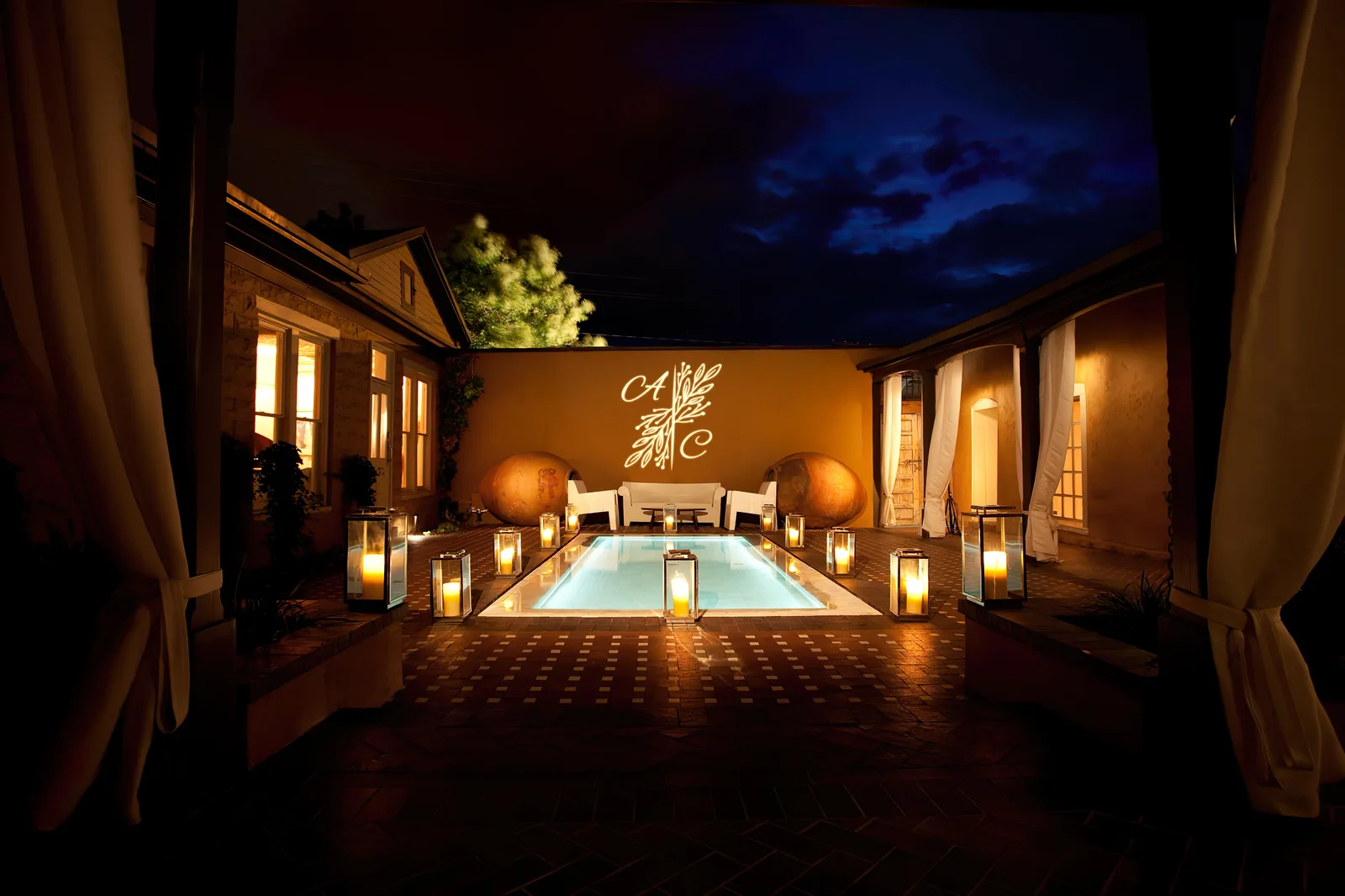
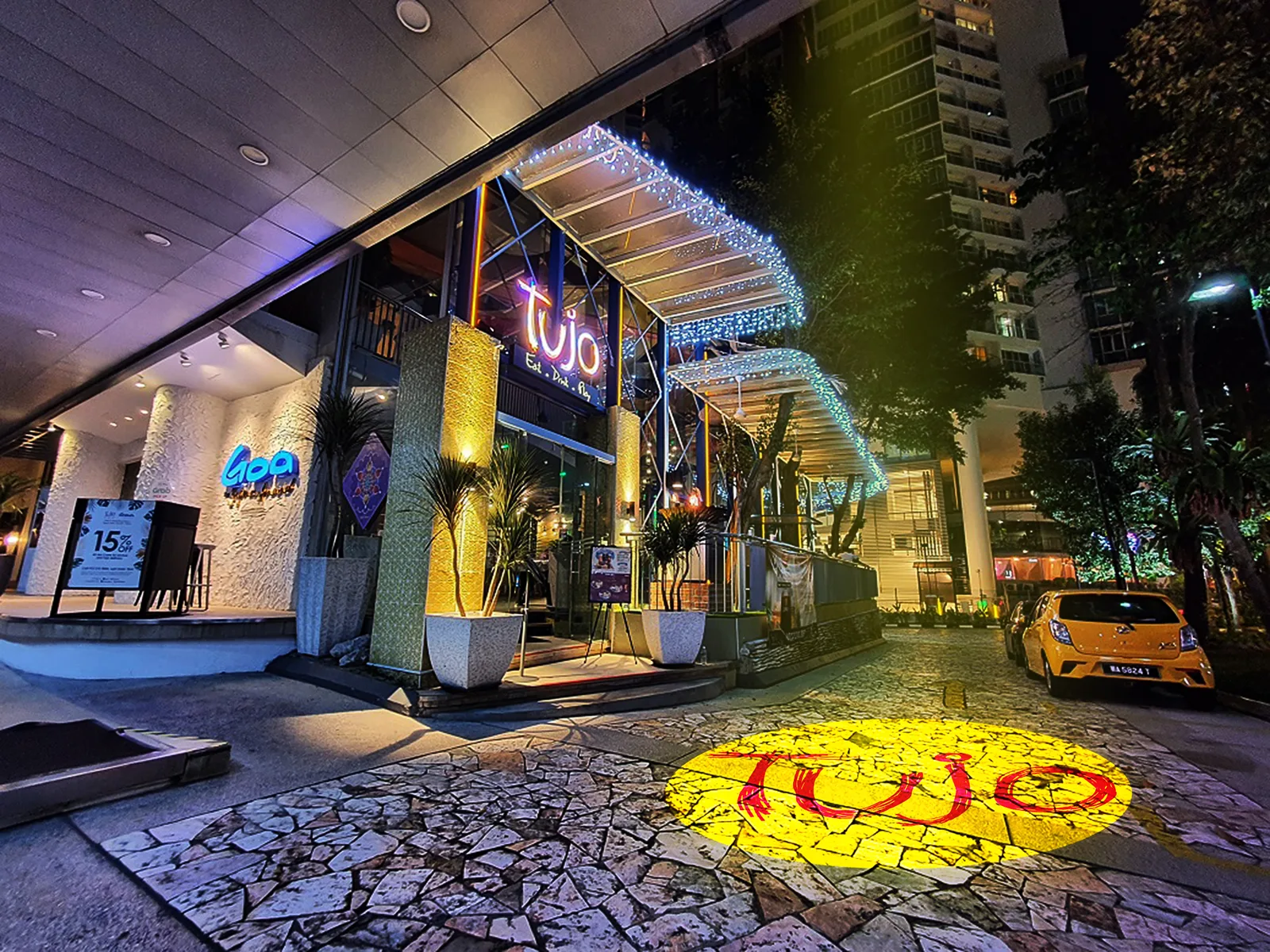
Step-and-repeat event backdrops
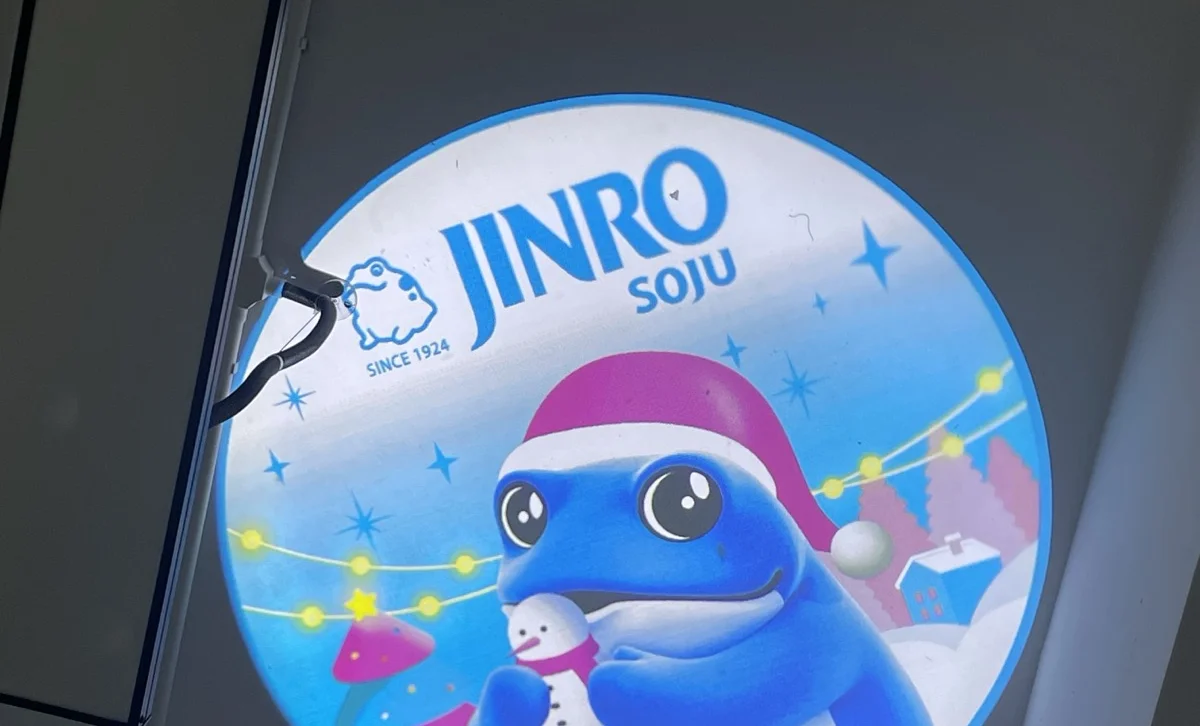
Load the host's logo plus up to three sponsor marks, and let the carousel index between them through the night instead of printing a fabric backdrop for every sponsor lineup — with the 5-Prism lens, that's up to 20 logos worth of coverage across one wall.
Storefront window branding
Keep your main logo up by day and swap in a seasonal design, a sale message or a holiday graphic for the evening crowd — without a ladder or a new printed decal.
Trade show booths
Cycle your brand mark, a product name and a QR-code gobo across the same wall through the day, so one projector covers what would otherwise take several static signs.
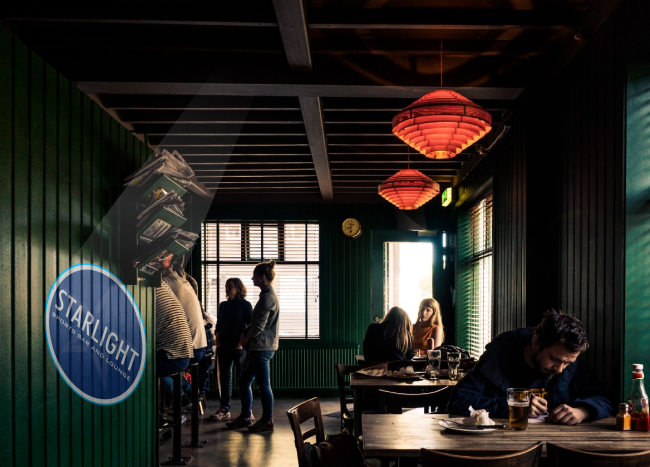
Restaurant and bar interiors
Run your logo most nights and switch in a game-day or holiday design for the occasion — one fixture, four looks, no reprinting or re-mounting.
Frequently asked questions
What is the Infinity KaleidoScope 4-Gobo Static Projector?
It's an LED gobo projector with a 4-slot carousel that holds up to four separate designs. It can display one design continuously or step between all four on a timer — but the image on screen is always held still, never spinning — and it ships with both a 3-Prism and a 5-Prism lens included free, which each multiply the projected image into 3 or 5 copies.
What's the difference between the static and spin versions?
Both share the same LED engine, the same 4-gobo carousel, the same 35W–700W range and the same two included lenses. The static version keeps whatever's being shown perfectly still and readable; the spin version rotates the carousel continuously for a moving, blended effect. See the 4-Gobo Spin Projector guide for the motion version.
What do the 3-Prism and 5-Prism lenses actually do?
They split each projected gobo design into multiple copies — 3 copies in a triangular pattern with the 3-Prism (TriScope) lens, or 5 copies in a star-like cluster with the 5-Prism (PentaScope) lens. Both ship included with every KaleidoScope projector; you choose which one is preinstalled, and the other comes along as a free spare.
Can I have it show just one design permanently instead of cycling?
Yes. The carousel can park on a single loaded design and hold it there indefinitely, or be set to advance between all four on an interval — the choice is yours, and either way the image stays still while displayed.
What wattage do I need for a storefront window?
A window with only evening light typically looks great at 80W–150W. If the window faces a bright street or gets direct daylight, plan for 300W or higher so the image isn't washed out — and running the 5-Prism lens across a wide window benefits from a step up versus a single 3-Prism image. The free Projector Finder gives you an exact number for your specific window.
Does it work outdoors?
Yes — this model is built for indoor and outdoor installations across its full 35W–700W range, though outdoor and daylight-facing placements should lean toward the higher end of that range to stay visible against ambient light.
How much does the 4-Gobo Static Projector cost?
It runs from $767.88 for the 35W model up to $2,717.88 for the 700W model, with both the 3-Prism and 5-Prism lenses included at every wattage — the wattage you need is set by your image size and how much ambient light it has to beat.
Find the right static 4-gobo setup for your space ∞
Tell us your throw distance, image size and lighting, and we'll prescribe the exact wattage — then show you real pricing.
Complete your projector setup
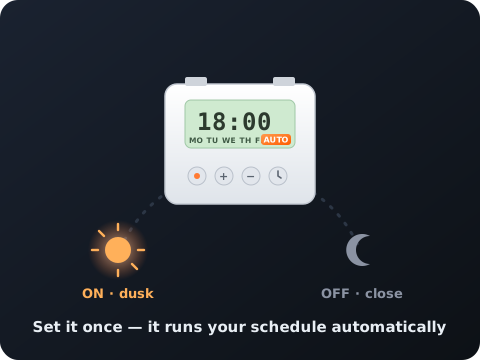
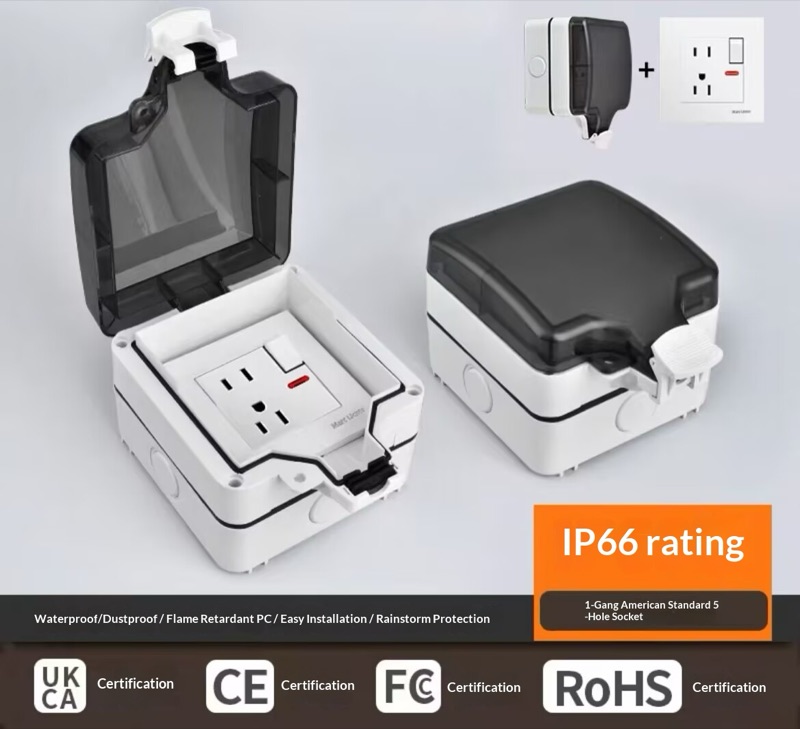
Automate when it runs and protect it from the weather — both add right on any projector.