Automate your projection. Never touch a switch again.
A weatherproof, weekly-programmable timer that switches your projector on and off on the schedule you set — so your logo lights up exactly when you want it and powers down to save energy when you don't.
Add it on any eligible projector's page — it ships and installs with your order.
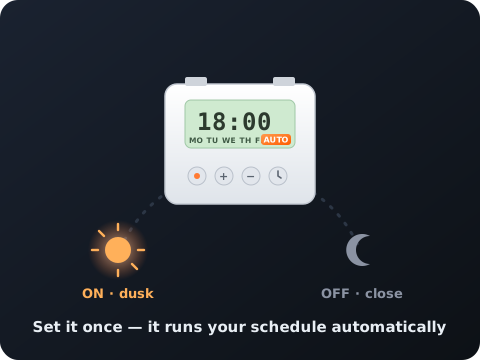
Your projection turns on and off on schedule — no staff, no apps, no forgetting.
Different times for different days, or the same all week. Total control.
Run only when it matters. Less power used, longer LED life.
A 3-year lithium backup holds your schedule and clock even when the power blips.
Housed for outdoor use and paired perfectly with our Waterproof Switch Cover.
Tip: enter times in order (earliest to latest) and don’t overlap cycles. The timer auto-saves and exits after ~10 seconds of no input.
| P | Timer — step through each ON/OFF setting |
| D+ | Day — pick the weekday(s) |
| H+ | Hour |
| M+ | Minute |
| 🕐 | Clock — set the current time / exit |
| C | Reset — clear all |
| MANUAL | Override — switch between ON / AUTO / OFF by hand |
| Model | THC15A weekly programmable timer |
| Programs | 16 ON / 16 OFF settings |
| Voltage | AC 220–240V 50/60Hz (other voltages available on request) |
| Load capacity | 16A / 250VAC resistive · lamp load up to 2000W |
| Minimum interval | 1 minute |
| Countdown range | 1 minute – 168 hours |
| Backup | 3-year lithium battery time reserve |
| Accuracy | ≤ 1 sec/day, auto-corrects ±60 sec weekly |
| Mounting | DIN rail · 86.5 × 36 × 65.5 mm · ABS housing |
| Operating temp | -10°C to +40°C · humidity 35–85% RH |
It automatically powers your projector on and off on a weekly schedule you set — for example on at dusk and off at midnight, every day — so your projection runs exactly when you want without anyone flipping a switch.
Yes. It supports up to 16 separate on/off programs, so weekdays and weekends (or any day) can each have their own schedule.
No. A 3-year lithium backup keeps the clock and your programs running through outages.
The timer is built for outdoor use and is designed to pair with our Waterproof Switch Cover (IP66) for full rain and dust protection.
Up to 16A / 250VAC (2000W lamp load) — comfortably more than any single Infinity projector draws.
Open any eligible projector and add the Outdoor Waterproof Timer for $88.88 right in the configurator.
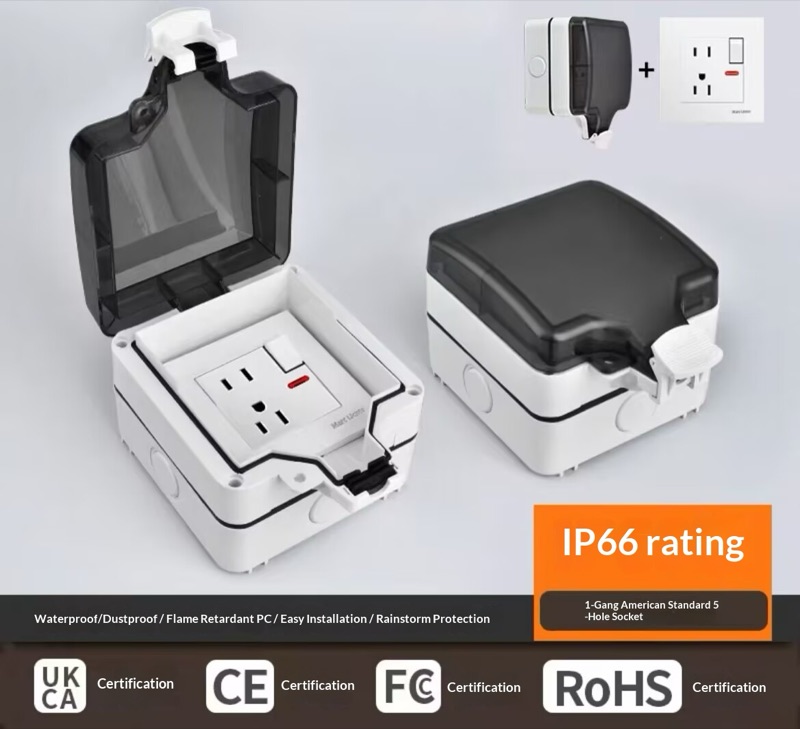 Waterproof Switch Cover — $88.88