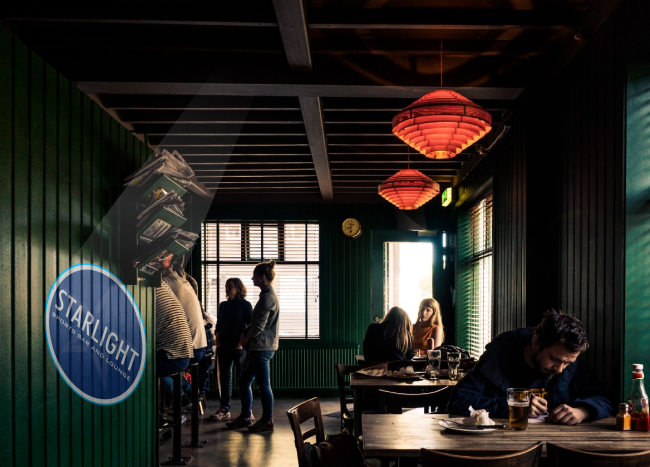
Swapping the logo in your Infinity gobo projector takes just a few minutes. Here's the simple, safe way to do it — plus how to focus and straighten your projection.
Every model opens a little differently. Pick yours: each video is under a minute and shows every step.
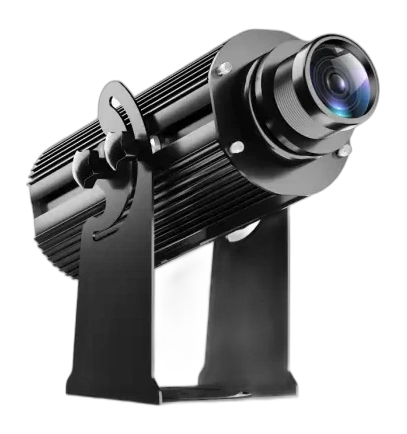

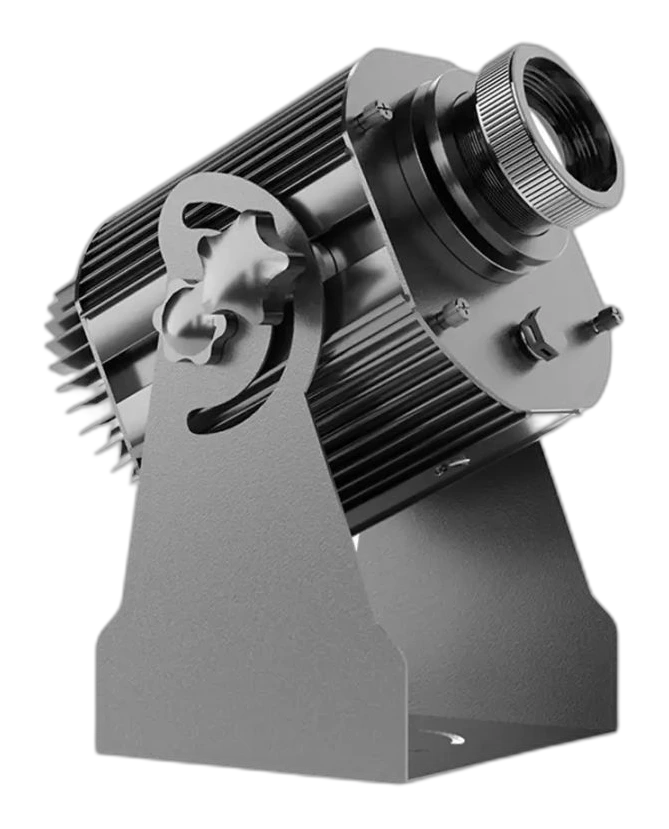
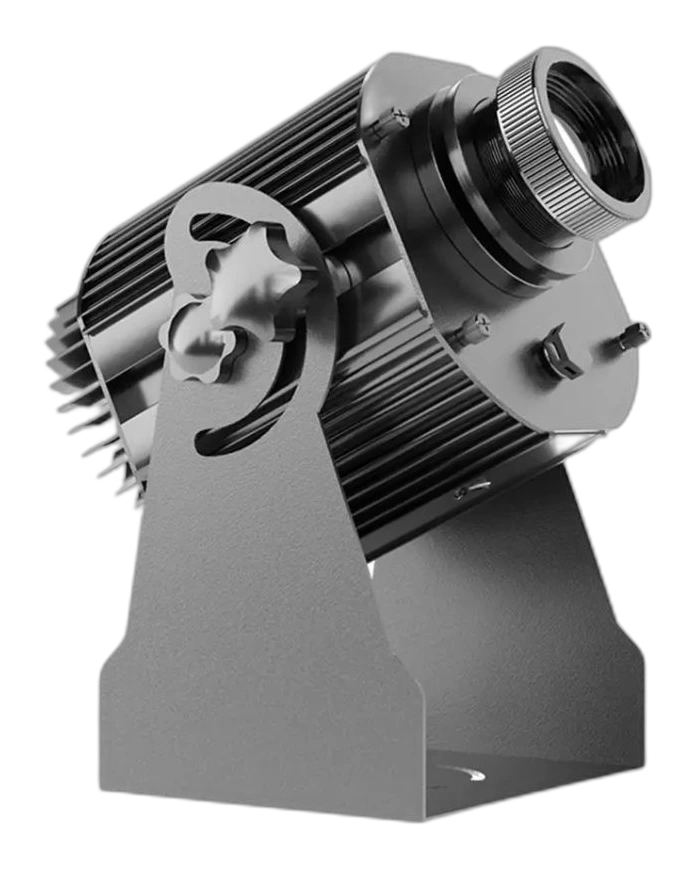

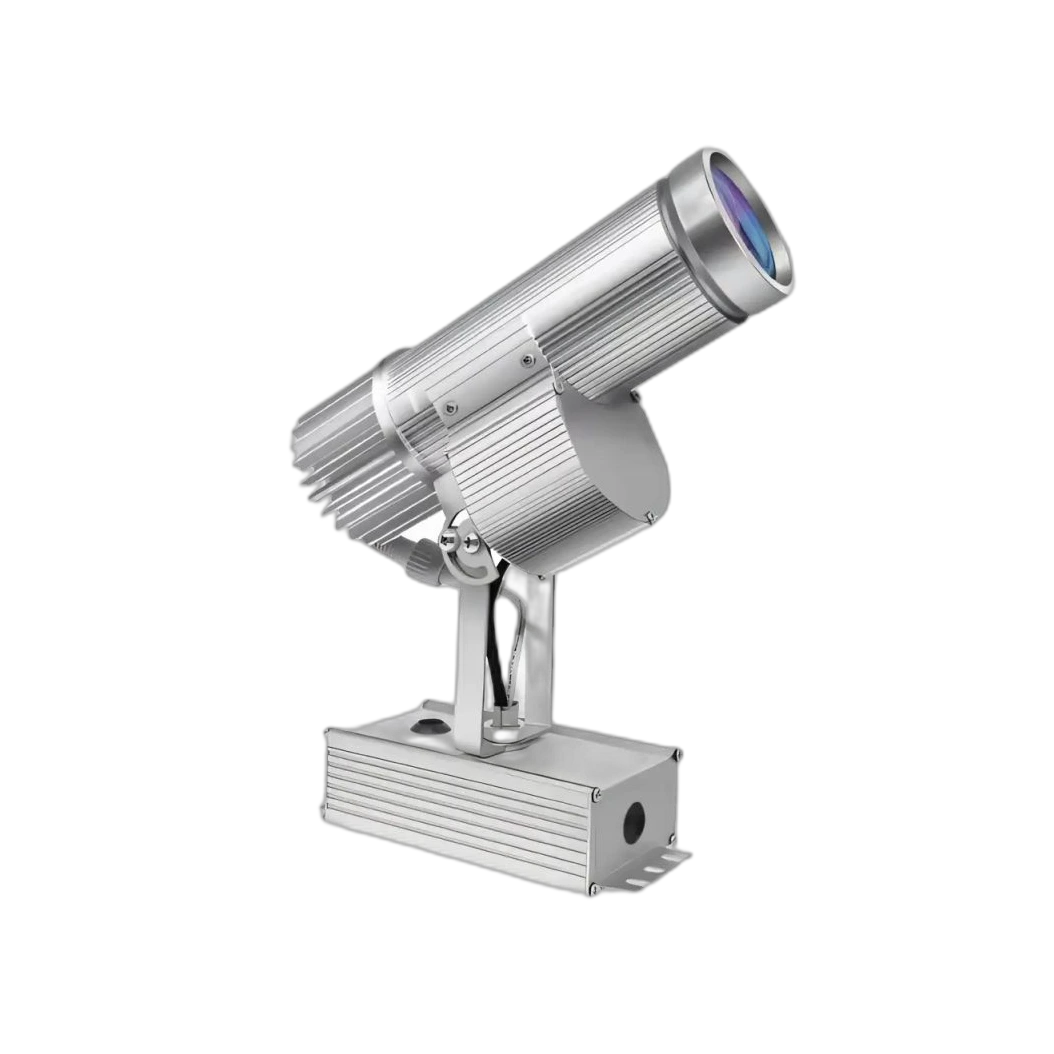
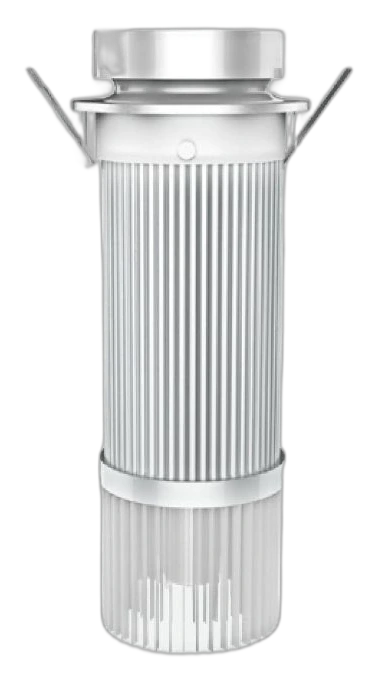
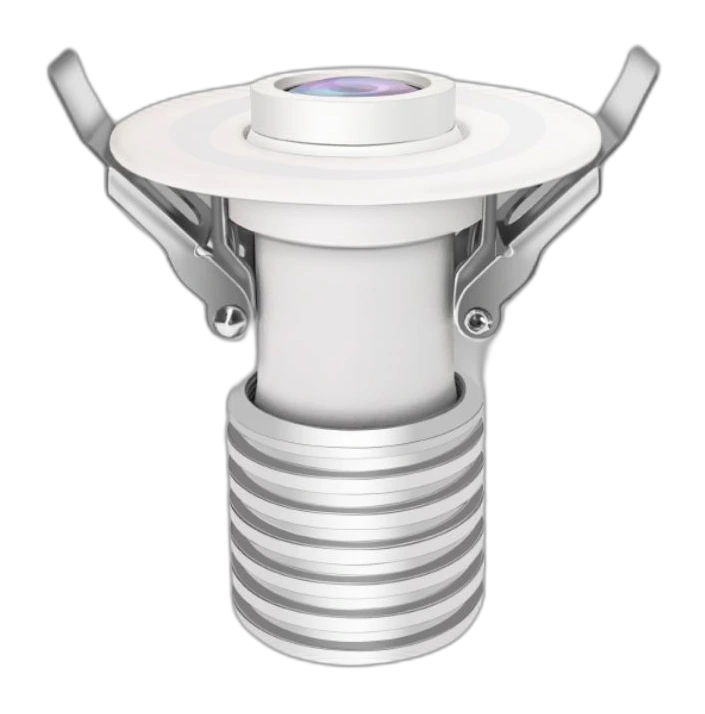
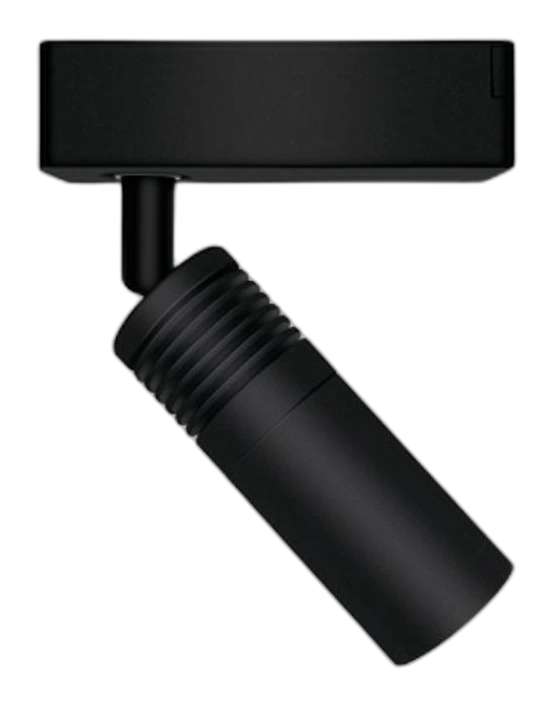
Get these right and the gobo change goes smoothly the first time.
Turn the projector off, unplug it from the outlet, and let it cool completely before opening anything. Never service a projector that's still warm or powered on.
Loosen the housing screws with the supplied tool, then remove the top cover. Set the screws somewhere safe — you'll need them all when you close it back up.
Open the gobo compartment to reach the gobo holder inside. On a 6-gobo projector you'll see the rotating slide that holds all six gobos.
Gently lift the gobo glass out of its holder. Handle it by the edges only — avoid touching the image surface, as fingerprints can show up in the projection.
Place the new gobo glass into the holder in the correct orientation — the image side faces the projection direction. Make sure it sits flat and centered so it can rotate smoothly.
Reinstall the cover and tighten all the screws securely. Power it back on, aim it at your wall, and confirm the new logo is aligned and in focus.
You can absolutely do it yourself — it takes just a few minutes and no special skills. Power down and let it cool, open the housing with the supplied tool, lift the old gobo glass out by its edges, drop the new one in (image side facing the wall), and close it back up. Just follow the six steps above.
The image (etched/coated) side faces the projection direction — toward the lens and wall. If your logo comes out mirrored or backwards, simply flip the gobo glass over and reinsert it.
Two quick checks: make sure the gobo is sitting flat and fully seated in its holder, then re-focus by slowly rotating the lens ring until the logo is sharp. A quick re-focus after any gobo change (or distance change) is completely normal.
Hold the glass by the edges and gently wipe the image surface with a microfiber lens cloth (a little lens cleaner if needed). Never use paper towels or harsh solvents. Fingerprints on the image side will show up in the projection, so always handle the glass by its edges.
The gobo isn't centered in the holder, or it's the wrong size for that slot. Reseat it so it's flat and centered, and confirm it's the correct gobo size for your projector model.
Just the screwdriver/tool that ships with your projector for the housing screws — nothing special. Keep all the screws together in one spot so none go missing when you close it back up.
Order custom or stock gobos right here on our site — we keep your artwork on file, so reorders are one click. Browse the gobo and projector options on our products page and swap them in anytime.
Yes. A multi-gobo projector holds any mix of custom and stock gobos on its rotating slide — load whichever combination you like and switch between them with the remote.
Usually one of three things: the gobo isn't fully seated, the lens needs a re-focus, or ambient light is washing it out. Gobo projection always looks brightest at dusk or indoors — reseat the gobo, re-focus, and give it a look in lower light.
Only when you want a fresh look, or if dust/fingerprints start softening the image. The gobo glass itself doesn't wear out — a quick wipe keeps the projection crisp for years.
Locate the focus lens at the front of the projector and slowly rotate the lens ring until the logo looks sharp. Tip: for shorter distances rotate the lens outward; for longer distances rotate it inward. Re-focus any time you change the distance or angle.
First, keep the projector within 30° of straight-on (90°) to the wall to avoid skewing. If a gobo itself is rotated, identify the misaligned gobo, carefully rotate the gobo slide/insert slightly, and keep adjusting until the image sits straight and upright.
The remote uses a 23A (12V) battery. It is not included, so keep a spare on hand.
Yes. A 6-gobo projector can rotate through all six gobos or stay locked on a single static gobo — you choose with the remote.
For best lifespan, don't run the projector more than 8–10 hours per day. A Meanwell power-supply upgrade can extend lamp life significantly (up to ~50k hours vs ~30k).
Yes — the projector housing is rated IP65 (weatherproof) and operates from −20°C to 60°C (−4°F to 140°F). It plugs into a standard US 120V outlet (the power supply accepts universal AC 85–265V, 50/60Hz).