Nov 10, 2026
See Your Logo Projected Before You Buy
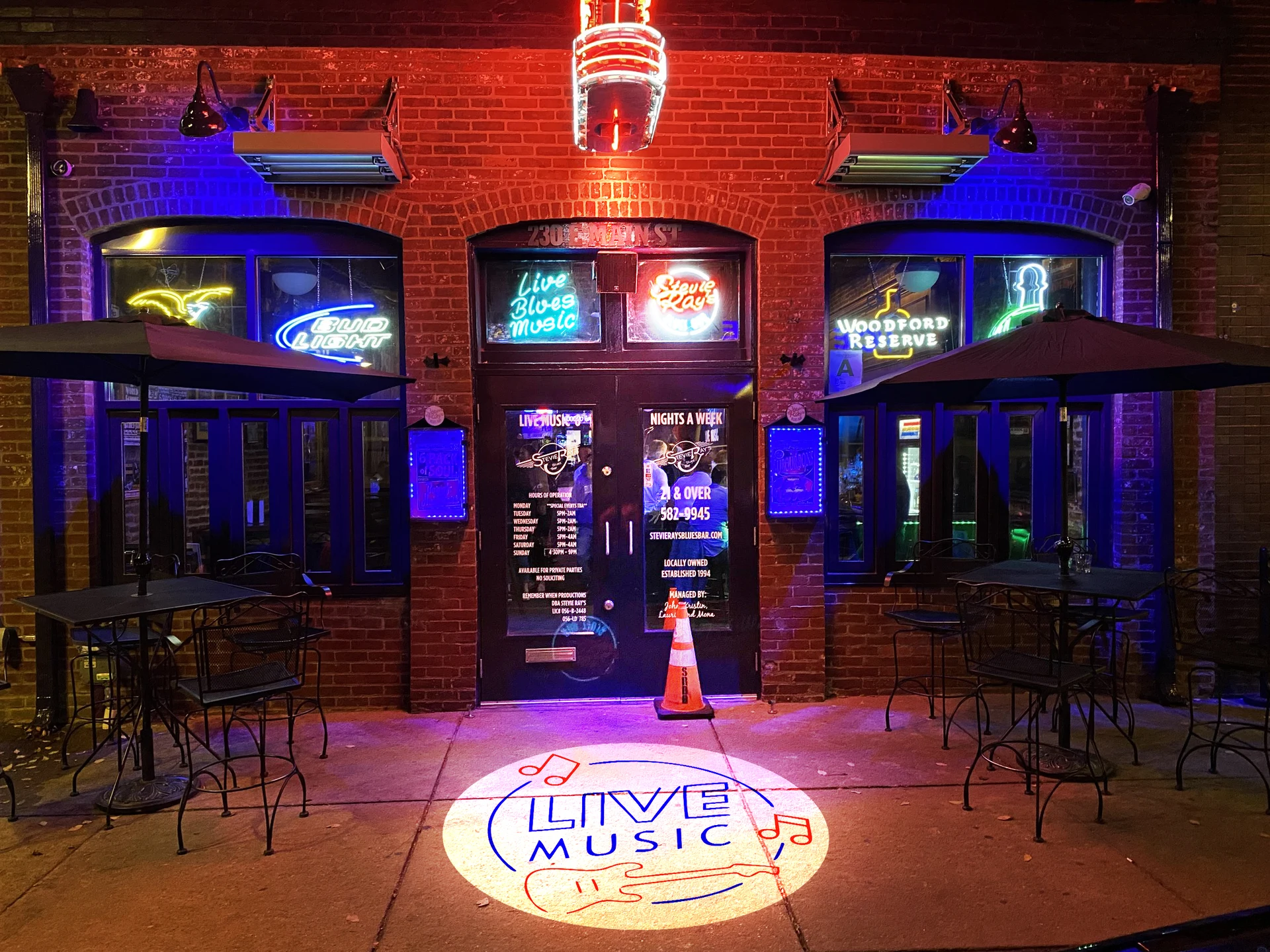
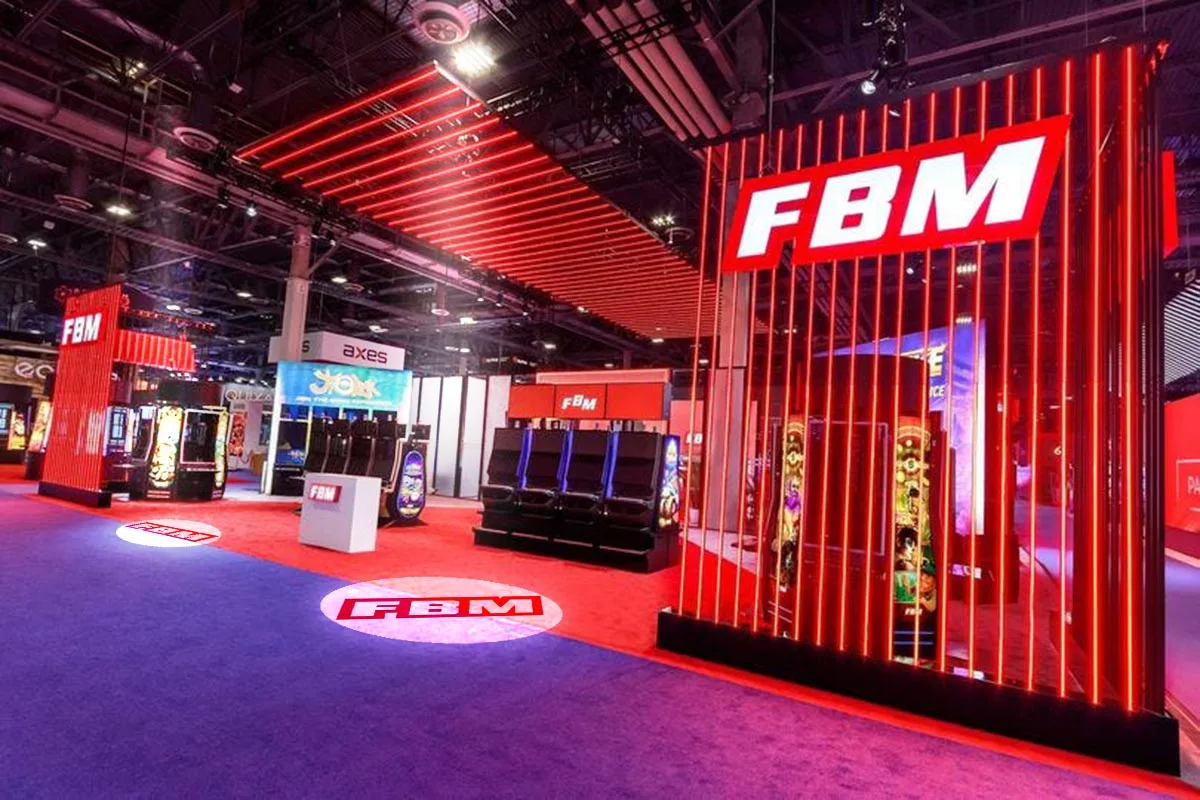
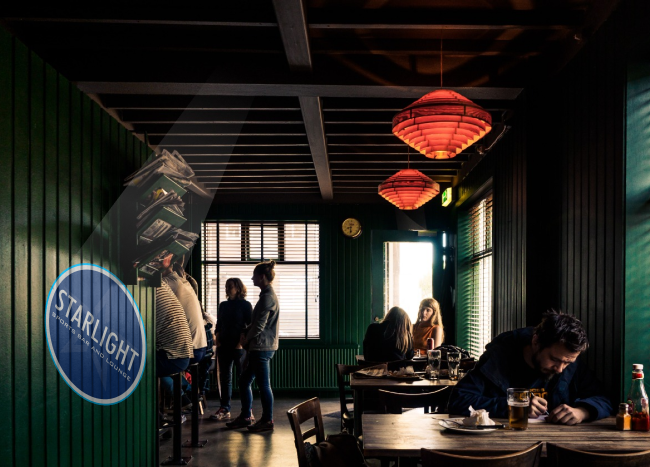
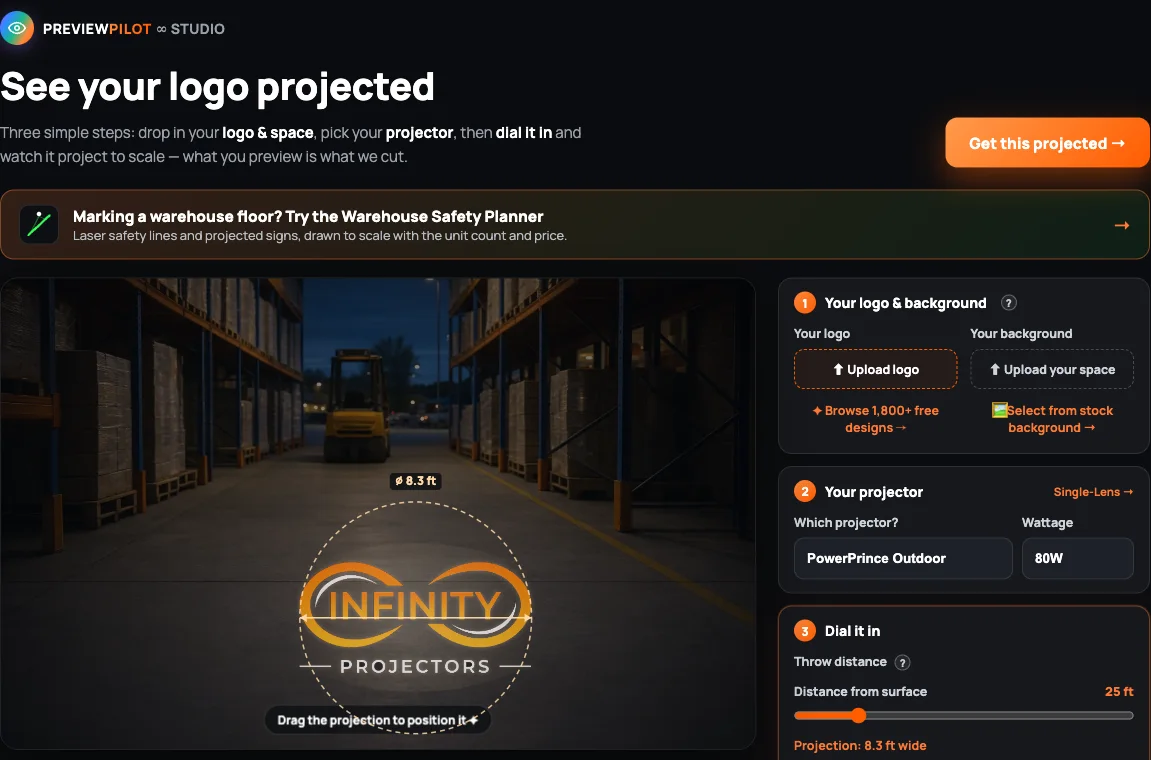
You can see your logo projected before you buy with Preview Pilot, our free online preview tool. Upload your logo, place it on a photo of your own space or a stock scene, and set the gobo logo projector, wattage, throw distance, lens and room light. You see how big and how bright it will look, before you order.
What Preview Pilot shows you
- Your logo, in your space. Upload your logo and a photo of your wall, floor or storefront, or pick one of our stock scenes. No logo yet? Browse our free stock designs.
- The real size. Set the throw distance (5 to 120 ft) and the lens, and it shows how wide the projection will be.
- The brightness. Pick the projector, the wattage and the room light (dark, average or bright). If the logo would look soft, it tells you to try more wattage or move closer.
- Static or spinning. See your logo still, or rotating in the beam.
- A straight path to order. "Order this exact setup" opens the product page with your wattage selected, and your logo comes along as your gobo.
How to preview your logo in 5 steps
- Add your logo. Upload a PNG, SVG, JPG or WebP. A logo on a transparent background looks cleanest.
- Add your space. Upload a photo of the wall, floor or storefront, or choose a stock background.
- Pick your projector. Choose the model and the wattage.
- Dial it in. Set the throw distance, the room light and the lens size. Drag the projection to where it will land.
- Order or ask. Order the exact setup you see, or send us your space and we size it with you.
How size and brightness work
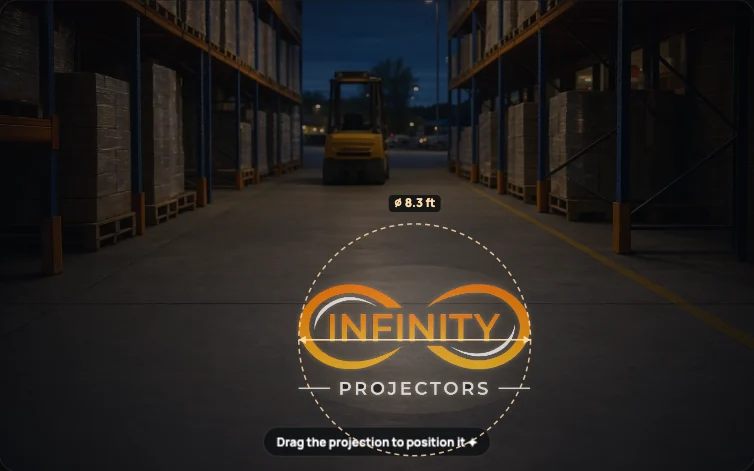
Size: the projection width is about the lens number times the throw distance. A 0.33 lens makes a logo about 3.3 ft wide from 10 ft away, and about 8.3 ft wide from 25 ft. A wider lens number makes a bigger logo from the same spot.
Brightness: the same light spread over a bigger image looks dimmer, and a bright room washes it out. Longer throws, bigger logos and brighter rooms need more wattage. Not sure where to start? The Wattage Finder recommends a wattage in 60 seconds, then try it in Preview Pilot.
What a preview can and can't tell you
Preview Pilot is a scale preview built from each projector's real data, so it is a reliable guide to size and brightness. It shows a straight-on view. Your real result also depends on the surface color and texture, and on the mounting angle; our projection angle and lens guide covers tilted mounts. Before your gobo is made, our design team sends a free full-color proof for you to approve.
Why preview first
- No surprises on size. You know how big the logo will be before you choose a lens.
- The right wattage the first time. You see the washed-out warning before you order, not after you install.
- Fewer emails back and forth. You check size and brightness yourself, then approve one free full-color proof of your art.
- Your logo, ready to order. Every projector includes two free full-color custom gobos, and the logo you previewed carries straight into the order.
See your logo in light
Upload your logo and a photo of your space, and see it projected in under a minute.
Open Preview PilotFind my wattageDesign your goboShop gobo logo projectorsPlanning a warehouse floor instead? The Warehouse Safety Planner does the same for laser safety lines, floor signs and sensors, in 3D.
Frequently asked questions
Can I see how my logo will look projected before I buy?
Yes. Preview Pilot, our free online tool, shows your logo projected on your own photo or a stock scene, at the size and brightness your projector, wattage, throw distance, lens and room light would give.
Is Preview Pilot free? Do I need an account?
It is free, it runs in your browser and you do not need an account.
Can I use a photo of my own wall, floor or storefront?
Yes. Upload a photo of your space and drag the projection to where it will land. You can also choose from our stock backgrounds.
Does the preview show the real size and brightness?
It is a scale preview built from each projector's data. The width comes from your throw distance and lens, and the brightness from the wattage and room light. It shows a straight-on view; the surface and the mounting angle also affect the real result.
Can I preview a spinning logo?
Yes. Switch the projection style between static and spin to see your logo still or rotating in the beam.
Does Preview Pilot tell me which wattage I need?
It warns you when your logo would look soft for your distance and room light, and suggests more wattage or moving closer. For a straight recommendation, the Wattage Finder suggests a wattage in 60 seconds; then check it in Preview Pilot.
What happens after I preview my logo?
Click Order this exact setup. The product page opens with your wattage selected and your logo ready as your gobo. Every projector includes two free full-color custom gobos, and we send a free full-color proof before your gobo is made.
Which projectors can I preview?
Preview Pilot covers our gobo logo projectors, from compact indoor and track models to outdoor and high-wattage units up to 1500W. Pick one from the list, then choose its wattage and lens.
Complete your projector setup
Automate when it runs and protect it from the weather — both add right on any projector.