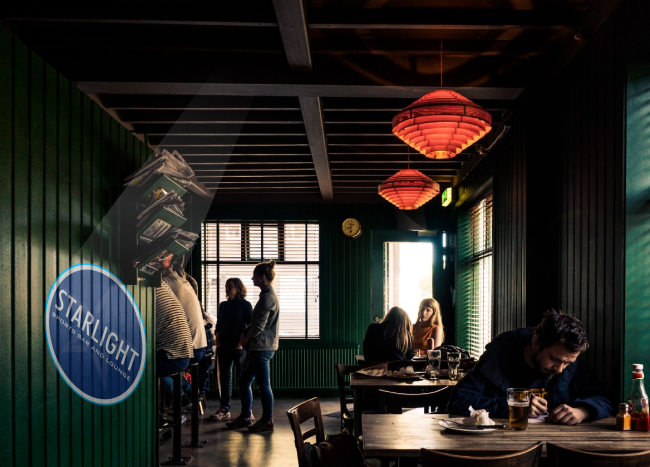
See exactly how your logo will project
Change the projector, lens, distance, angle, power and room light below — and watch the projection respond in real time. No physics degree required; we explain every dial as you turn it.
Projector type
The gobo disc is the small slide (2–3 in) that mounts inside the projector — your design is etched onto it. Every Infinity projector includes 2 free custom gobos.
Your design & scene
Logo / design
Or pick a stock design
Multi-Gobo — how many designs in the wheel?
A Multi-Gobo unit rotates through several designs from one projector. Upload one image per slot — the simulator cycles them just like the real wheel.
Background scene
Lens
0.33The lens sets how wide the image is. A wider lens (bigger number) gives a bigger logo at the same distance.
Throw distance
30 ftFarther back = a bigger image — but the light spreads thinner, so it also gets dimmer.
Projection angle & depth
0°Aim a projector up or off to the side and the logo tilts into the scene and skews into a trapezoid (keystone) — that angle is what gives a projection its real sense of depth on a wall or floor. Mount square-on, or turn on keystone correction to straighten it.
Power (brightness)
200WMore watts = a brighter image. Bigger images and brighter rooms need more power to stay bold and readable.
Room light
This is the dial people forget. A dark room lets a small projector shine; bright daylight can wash out even a powerful one.
∞ This is a teaching simulator — real-world results vary with surface, optics and exact ambient light. For a precise spec, run the Wattage Finder or send us your space.