Custom Sign Projectors: Safety Signs Projected in Light
What is a sign projector?
A sign projector mounts overhead and projects a sign in light. Inside is a small glass disc, called a gobo, with the sign printed on it. The projector's LED shines through the gobo and the lens focuses the sign sharp on the floor or wall.
Forget about using tape, adhesive safety labels and paint for your safety signage. Painted and taped signs wear off under forklift tires, get hidden by pallets, and have to be redone. Safety signs must stand out to be effective. A projected sign sits on top of whatever is on the floor, it never wears out, and you change it by swapping the gobo.
- Nothing to paint, tape or replace. Forklifts drive over light without wearing it away.
- Easy to move. When the layout changes, re-aim the projector or swap the gobo.
- Can switch on cue. With a radar or camera sensor, a sign turns on only when a forklift or a person comes.
Where sign projectors are used
| Industry | Common signs |
|---|---|
| Warehouses and distribution centers | STOP at aisle ends, crosswalks, forklift caution, KEEP CLEAR at dock doors and fire exits, pedestrian walkways |
| Manufacturing plants | PPE required, hazard zones around machines, forklift routes, no-entry areas |
| Loading docks and logistics yards | Truck-bay KEEP CLEAR zones, STOP lines, speed limits, one-way arrows |
| Parking garages and lots | STOP at ramps, exits and turns, no parking, pedestrian crossings |
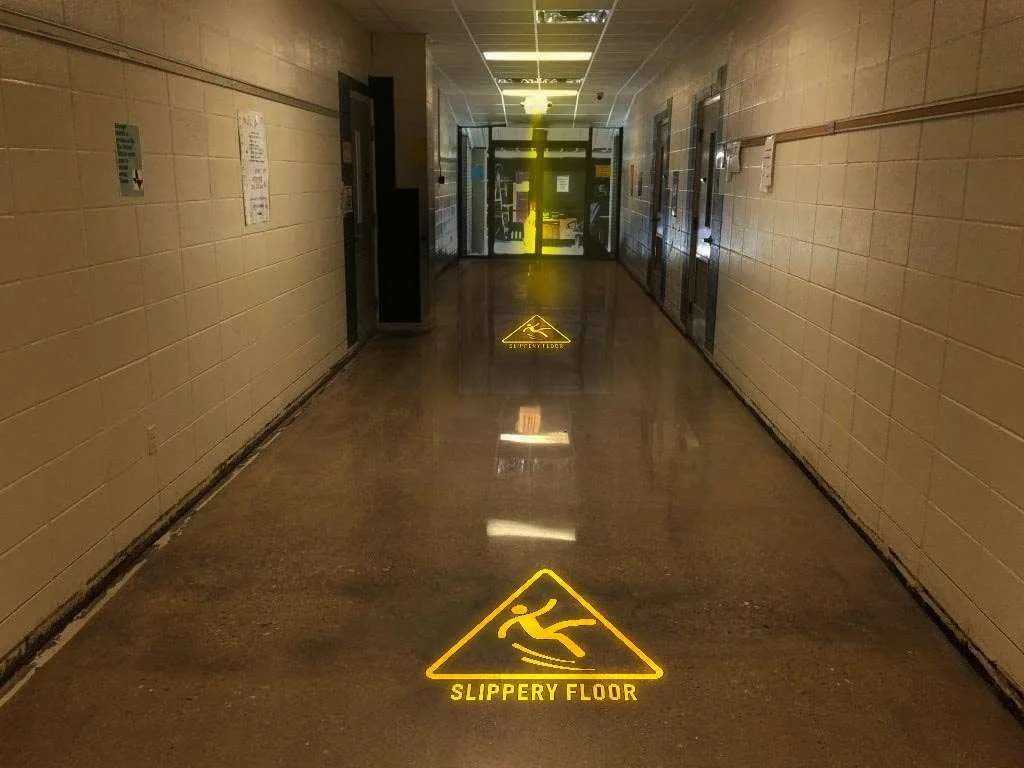
| Hospitals and healthcare | Wet floor, wayfinding arrows, quiet zones, entrance directions |
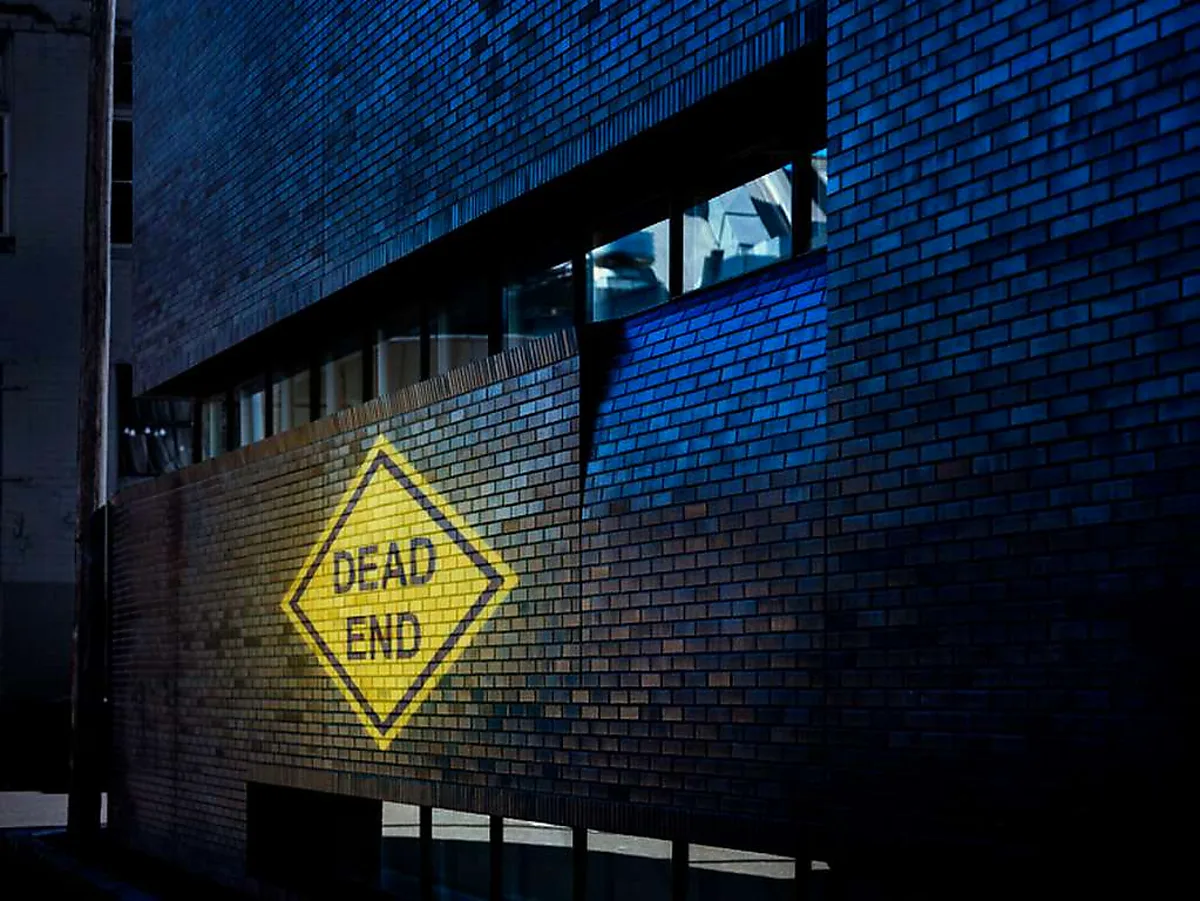
| Government and public safety | Crosswalks, DO NOT ENTER, dead-end and detour signs, event crowd routing |
| Retail back rooms and auto shops | Employees only, STOP at service bays, forklift traffic |


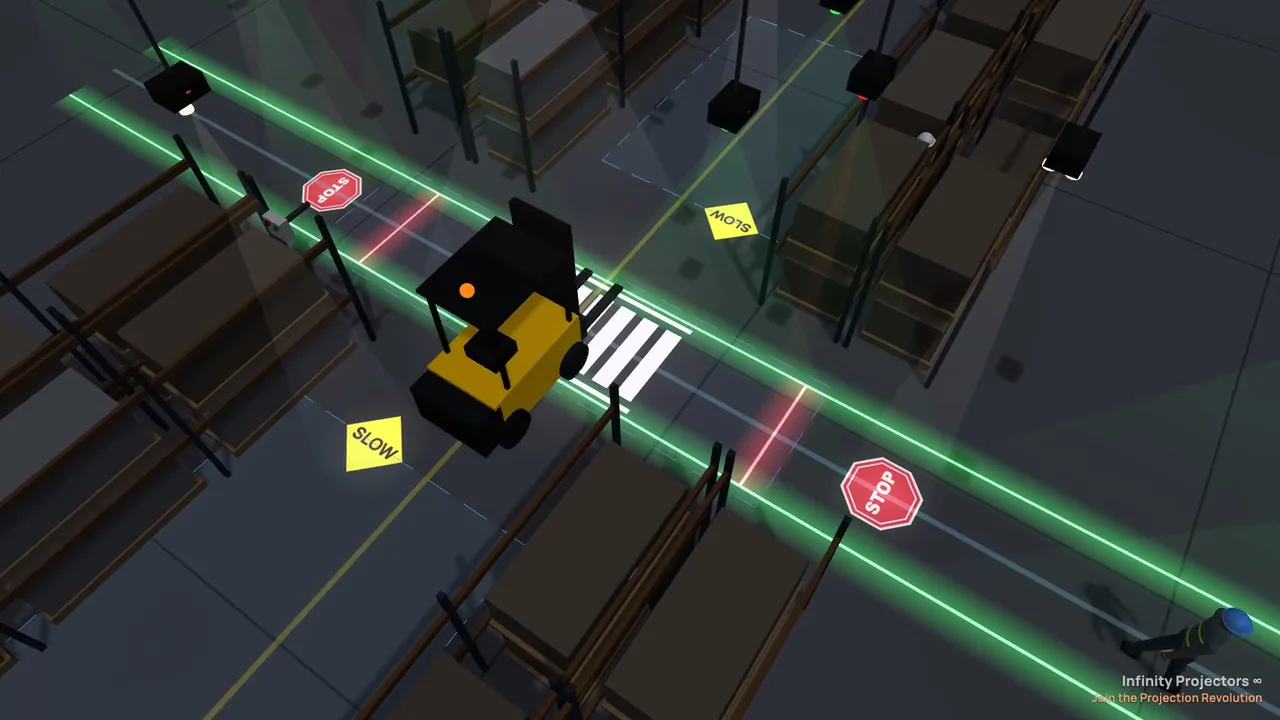
See the signs in a live 3D warehouse
These clips and stills come straight from our free Warehouse Safety Planner. It runs a warehouse in 3D: forklifts and people move, sensors trigger, and the projected signs and laser lines switch on cue.


Custom or stock signs?
| Stock safety sign | Custom sign | |
|---|---|---|
| What it is | A ready-made design from our safety sign collection: danger and caution signs, PPE, no forklifts, evacuation routes, do not enter and more | Your own text, symbols, colors, language or logo |
| Best for | Standard warnings that everyone already recognizes | Site-specific messages like "Dock 4 KEEP CLEAR", bilingual signs, your safety program's logo |
| How to get it | Choose it when you order | Send your art, or build it in our gobo designer |
| Cost | 2 free custom gobos come with every sign projector, stock or custom | |
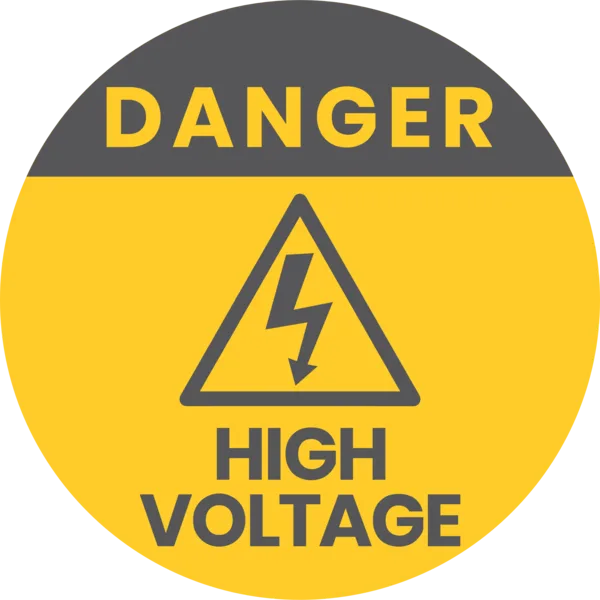
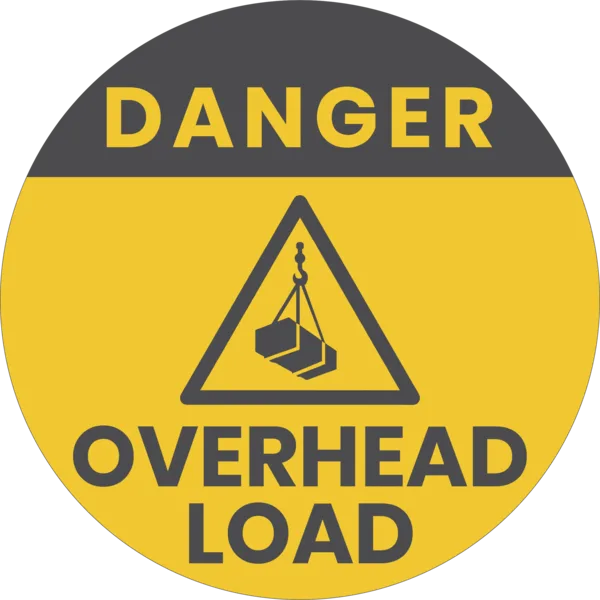
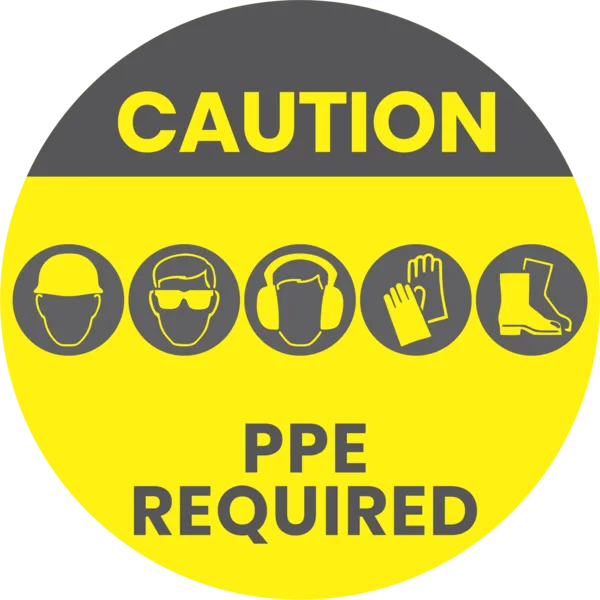
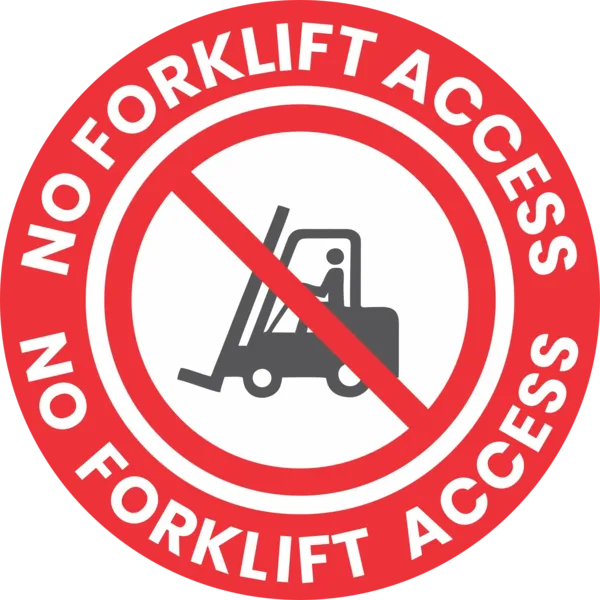
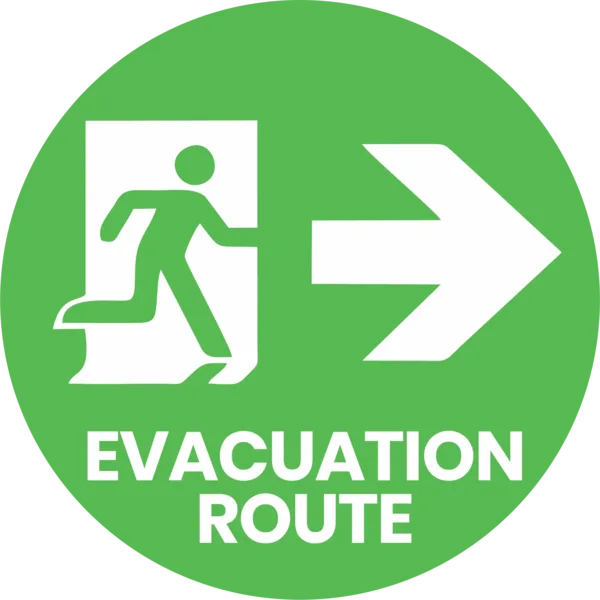
A few of the ready-made signs in our safety sign collection.
One color or full color? A one-color sign, such as yellow, white or red, passes more light than a full-color gobo, so it looks brighter in a well-lit building. Use full color when the sign needs several colors, like a red STOP with a white border.
Size, mounting height and wattage
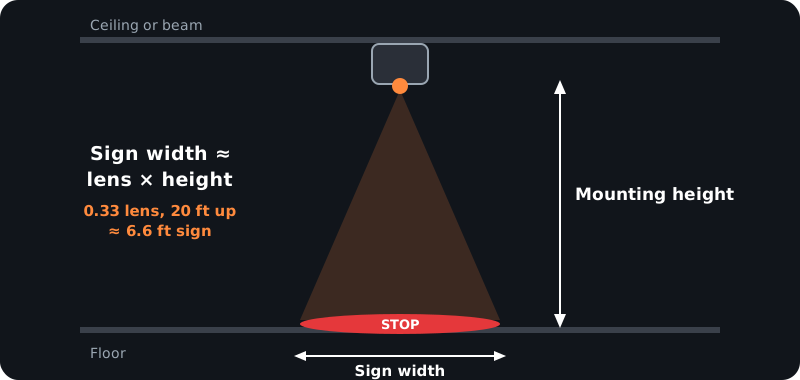
The size of the sign is about the lens number times the distance from the projector to the floor. The table uses a 0.33 lens, standard on the LY-Pro. The Titan ships with a 0.25 lens, which makes the sign about a quarter smaller (5 ft wide from 20 ft); a 0.33 lens is available in our lens packages.
10 ft up → about 3.3 ft wide. 15 ft → 5 ft. 20 ft → 6.6 ft. 25 ft → 8 ft. 30 ft → 10 ft.
The higher the mount and the brighter the room, the more wattage you need. Warehouse high-bay lighting is very bright, so size to the top of the range. These figures come from our Wattage Finder chart:
| Mounting height | Sign size (0.33 lens) | Normal light | Brightly lit warehouse | Our pick for a lit warehouse |
|---|---|---|---|---|
| 10 ft | ~3.3 ft | 30–35W | 120–130W | LY-Pro 135W |
| 15 ft | ~5 ft | 60–65W | 200–240W | Titan 300W |
| 20 ft | ~6.6 ft | 80–90W | 240–300W | Titan 300W |
| 25 ft | ~8 ft | 120–150W | 400–600W | Titan 500W–700W |
| 30 ft | ~10 ft | 300–400W | about 900W | 1000W–1500W |
Want a smaller sign from a high mount? Choose a narrower lens; it also concentrates the light. Our lens guide shows every option.
Mounting tips
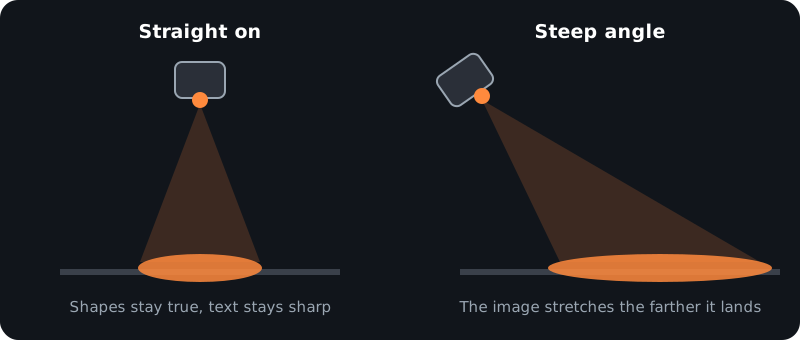
- Aim as close to straight down as you can. The steeper the angle, the more the sign stretches (see the diagram below).
- Mount on a beam, a rack upright or the ceiling. Poles, clamps and brackets are covered in the mounting guide.
- Keep the beam clear. Racking, lights and hanging signs between the projector and the floor cast shadows.
- Outdoors is fine. The LY-Pro and Titan are outdoor-rated (IP65) for yards, docks and parking lots.
Signs that switch: sensors and GO / STOP
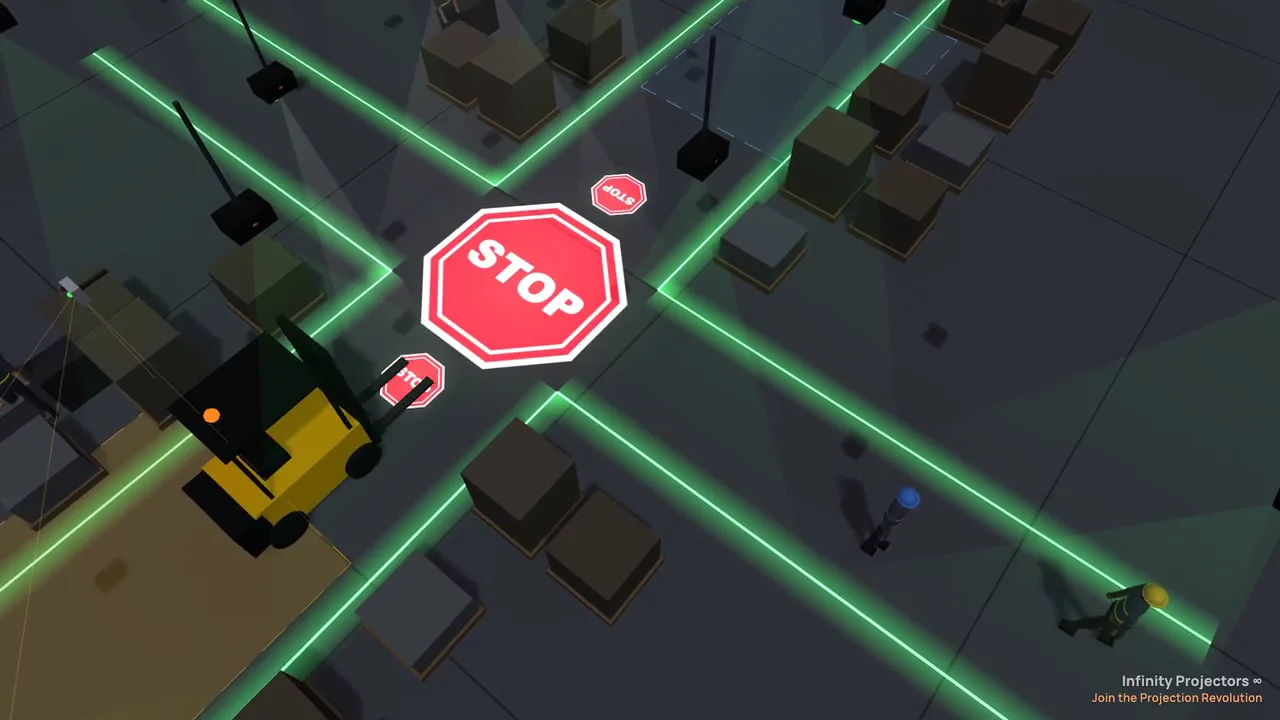
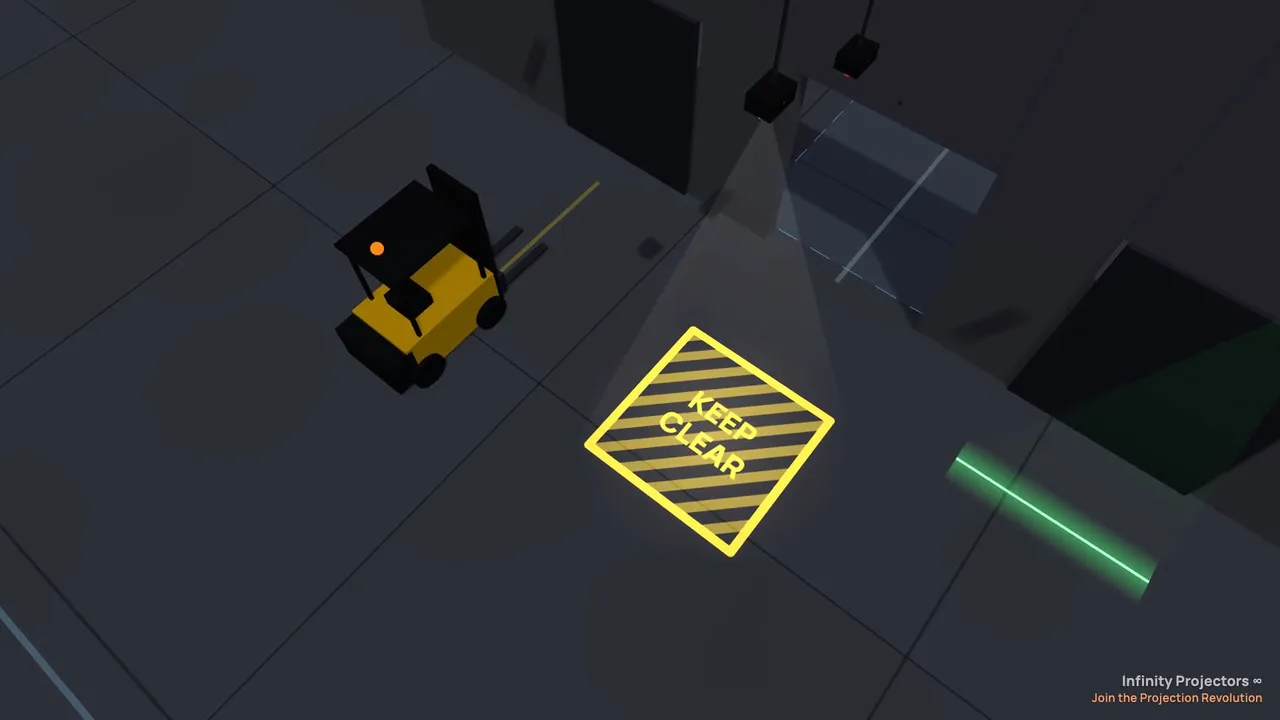
Left: STOP lights up as a forklift reaches the intersection. Right: KEEP CLEAR at a dock door. Both from the Warehouse Safety Planner.
A sign can stay on all the time, or switch on only when it matters. A radar or camera sensor connects to the projector through a small controller. When a forklift or a person comes, the sign turns on. The radar reacts to vehicles and people moving toward it; the camera is the more sensitive choice for people on foot. Read radar vs camera sensors to choose.
The Dual Lens projector (60W–300W) holds two signs, for example a green GO and a red STOP, and the sensor switches between them. For aisle edges and walkways, add the Laser Safety Line Projector: lines mark the boundaries, signs mark the spots where people and vehicles meet.
How to order a custom sign projector
- Measure the mounting height from where the projector will hang to the floor.
- Decide the sign size you want on the floor, then use the table above for the wattage.
- Choose the sign: a stock safety design or your own art (2 custom gobos are free).
- Plan it on your floor. Lay it out free in the Warehouse Safety Planner, our laser line planner, or see a sign on a photo of your own floor in Preview Pilot.
- Order, or ask us. Send your floor plan or a photo and we recommend the projector, lens and sensors. Contact us.
Plan your signs in a 3D warehouse, free. Place signs and laser lines, get the projector and lens for each, and watch them switch with forklifts and people moving.
Open the planner →More questions about custom signs
Can I make a sign in another language or with my own wording?
Yes. Custom gobos print any text, symbols and colors, including bilingual signs. Send your art or build it in the gobo designer.
Can I change the sign later?
Yes. Swap the glass gobo in a few minutes. Your 2 free gobos let you keep a second sign ready, or order more at any time.
Do sign projectors work outdoors, in parking lots and yards?
Yes. The LY-Pro and Titan are outdoor-rated (IP65). At night outdoors you need less wattage than in a brightly lit warehouse at the same height.
Which signs come ready-made?
Our safety sign collection has danger signs (high voltage, chemical, flammable, overhead load), PPE required, no forklift access, no smoking, evacuation and assembly signs, do not enter, dead end and more. We can add your wording to any of them.
Join the Safety Revolution ∞
Related: floor sign projector · warehouse safety projection · projected safety signs for warehouses · how to plan warehouse safety projection
Watch the signs switch in a live 3D warehouse
Our planner runs your layout in 3D. Forklifts, robots and people move, the sensors trigger, and the projected lines and signs switch on cue. Open any scene live, then change it to match your building.
Safety sign projectors: common questions
What is the difference between a laser line projector and a floor sign projector?
A laser line projector draws a bright, straight line, which is best for aisle edges, walkways and keep-clear boundaries. A floor sign projector is a gobo projector that projects a picture: a STOP sign, a crosswalk, a forklift caution sign, an arrow or your logo. Many warehouses use both: lines for the boundaries and signs where people and vehicles meet.
Can you project a STOP sign or a crosswalk onto a warehouse floor?
Yes. A gobo sign projector mounted overhead projects a STOP sign, a zebra crosswalk or any other safety sign onto the floor in light, with nothing to paint or tape. Choose a ready-made safety gobo or send your own design; every sign projector includes two free custom gobos.
Can a projected safety sign turn on only when a forklift or person comes?
Yes. A radar or camera sensor switches the sign through a small controller. The radar reacts to vehicles and people moving toward it and ignores cross traffic; the camera sensor is the more sensitive choice for people on foot. A Dual Lens projector can also swap a green GO for a red STOP when the sensor triggers.
How big will a projected safety sign be, and how high should it be mounted?
The sign is about the lens number times the mounting height across: a 0.33 lens 20 ft up makes a sign about 6.6 ft wide. Higher mounts and bigger signs need more wattage, and a brightly lit warehouse calls for the top of the wattage range for that height.
Can I see the sign on my own floor before I buy?
Yes. The free Warehouse Safety Planner, our laser line planner, places projected signs and laser lines on a sample warehouse, your own floor photo or a floor plan, picks the projector and lens for the size you want, and shows the signs switching in 3D with forklifts and people moving.
Plan your floor in 3D · Warehouse safety projection · Radar and camera sensors